
Apollo Tech Tip
1080p vs 4K Security Cameras: Megapixels, Low Light, and What Actually Matters
Megapixels matter. They just do not matter by themselves. The right commercial camera depends on what you need to see, how far away it is, how the space is lit, and whether the network and recorder are built to support it.
The short answer
Use 1080p where you need basic short-distance visibility. Consider 4MP when you need stronger general detail without jumping all the way to 4K. Use 4K where distance, wide coverage, or recorded zoom matter. For low-light areas, do not assume the location is a problem. The right low-light, full-color, or LightHunter-style camera technology can often solve visibility issues that older cameras struggle with.
No-BS Comparison
1080p vs 4K security cameras, in plain English
A 1080p security camera can work well for general visibility: people entering a space, movement in a hallway, deliveries, vehicles arriving, or activity in smaller controlled areas.
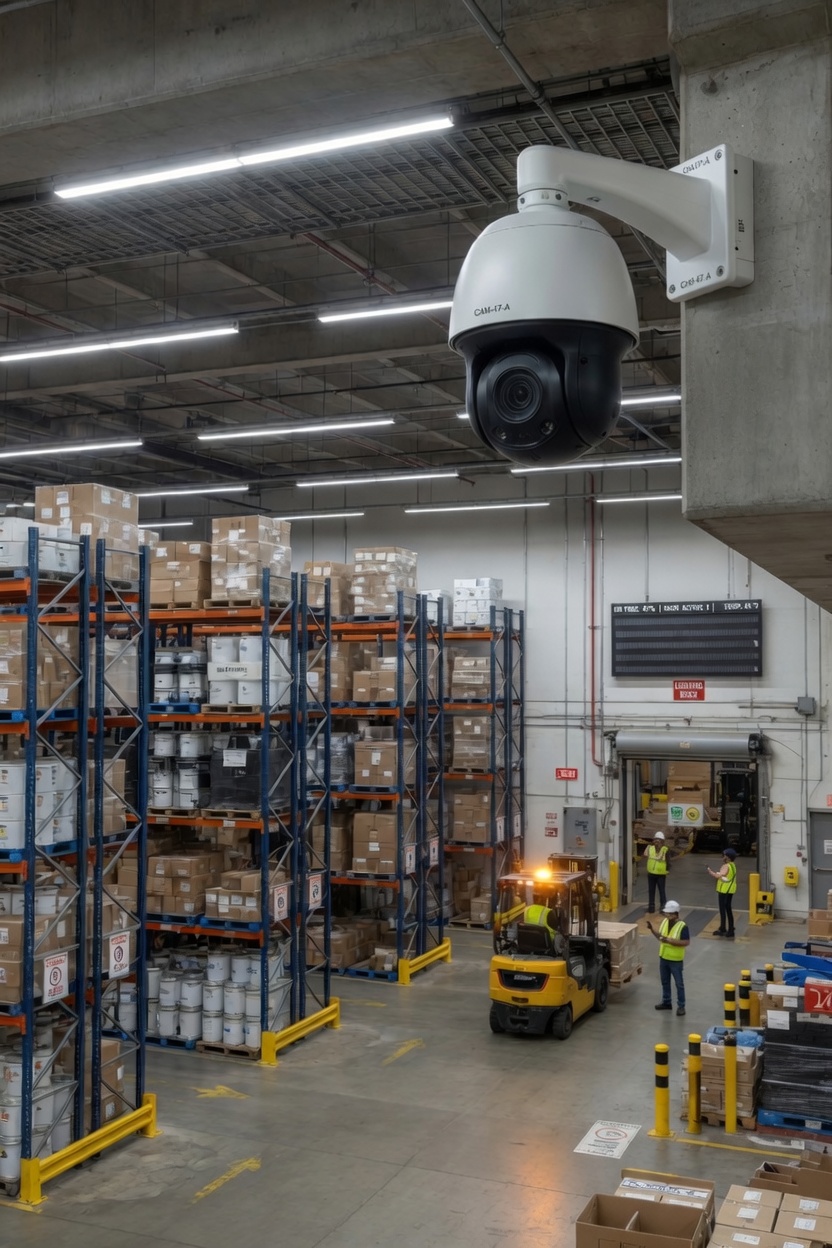
A 4K security camera captures more image detail and may be a better fit when the camera covers a wider area, longer distance, parking lot, warehouse aisle, loading dock, lobby, or any area where you may need to zoom into recorded footage later.
It is “What do we need this camera to see, at what distance, and under what conditions?”
Low-Light Reality
Low light is not always a dealbreaker
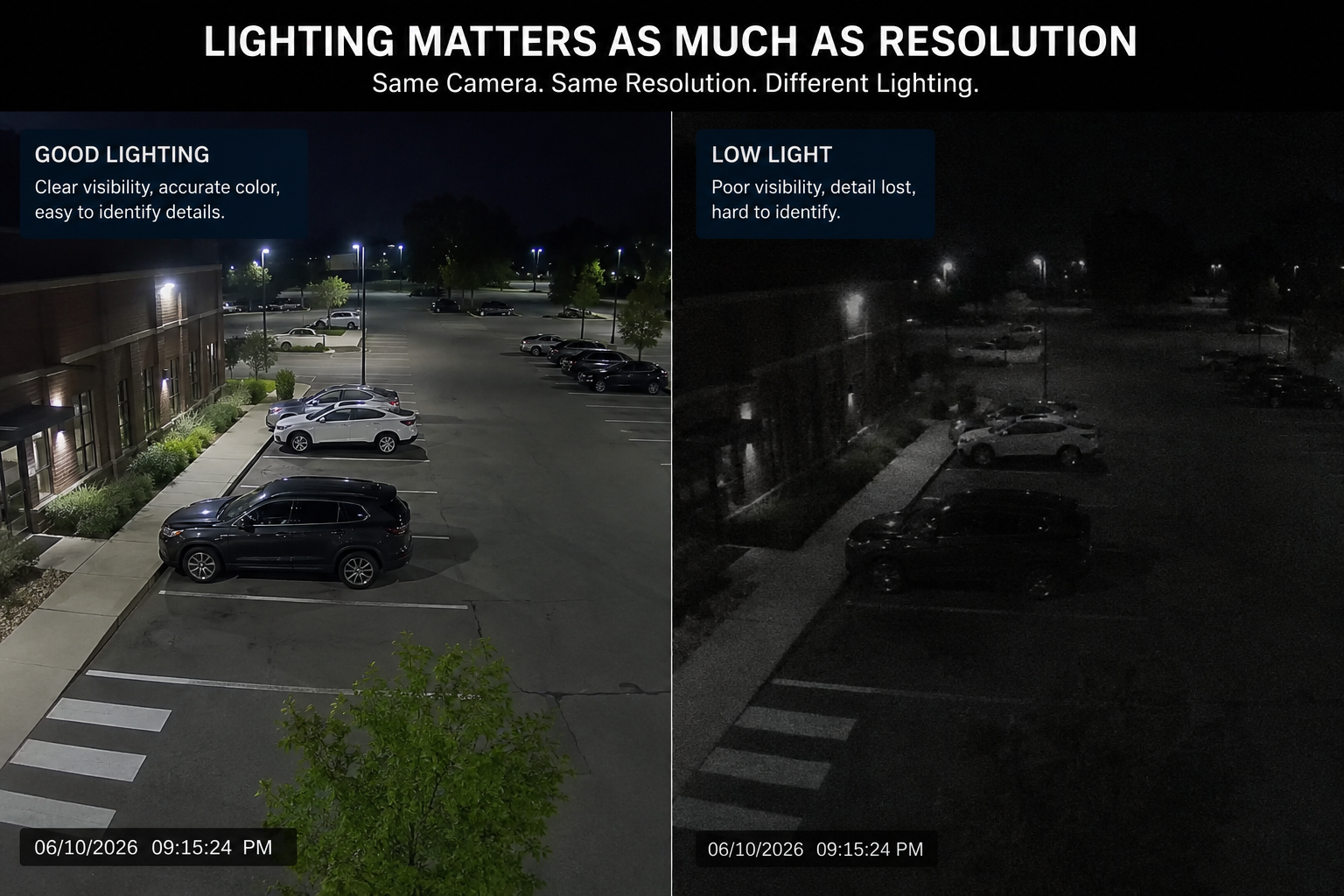
Low lighting does not automatically mean poor footage. In many commercial environments, the real issue is not the darkness itself. The issue is using the wrong camera for the space.
Modern low-light, full-color, and LightHunter-style camera technology can help capture usable detail in areas where older cameras may switch to grainy black-and-white footage or lose important detail. That can be useful for parking lots, exterior doors, loading docks, alleys, warehouses, yards, and other spaces where lighting is limited or inconsistent.
The right question is not always “Do we need more light?” Sometimes the better question is “Do we need a better low-light camera, better placement, better lens selection, or all three?”
Low light should trigger a better camera conversation, not an automatic “this area cannot be covered” answer.
Resolution Guide
1080p, 4MP, and 4K at a glance
Resolution is useful, but it creates tradeoffs. More pixels can mean more detail, larger video files, more storage, more bandwidth, and more planning around the recorder and network.
1080p
≈ 2MPGood for short-distance interior views, small rooms, hallways, utility rooms, and basic activity monitoring.
4MP
MiddleA practical middle ground for many offices, restaurants, retail spaces, entrances, and medium-size rooms.
4K
≈ 8MPUseful for wider areas, longer distances, parking lots, loading docks, warehouse aisles, and recorded zoom needs.
What People Miss
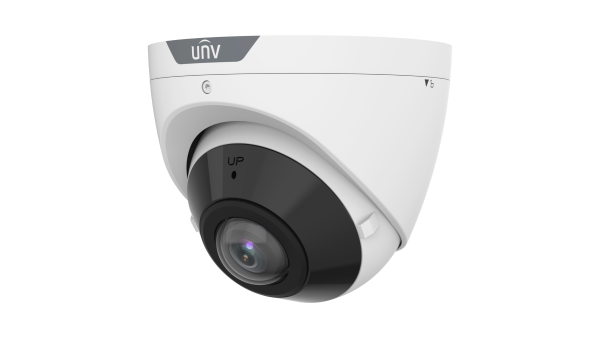
More megapixels do not fix bad camera placement
A poorly placed 4K camera can still miss faces, vehicles, doors, registers, blind spots, and the actual event you needed to review.
Camera placement affects face visibility, vehicle visibility, glare, blind spots, field of view, mounting height, nighttime performance, and whether the footage is useful after something happens.
Choose the camera after you understand the view. Not before.
Priority Chart
What matters more than megapixels?
Resolution is part of the decision. For commercial surveillance, these items usually decide whether the camera system is actually useful.
Storage + Network Impact
Higher resolution usually means more storage and network load
4K cameras can be useful, but they create larger video files. A commercial system should be planned around camera count, resolution, frame rate, recording schedule, footage retention, NVR capacity, PoE switching, uplinks, and remote viewing needs.
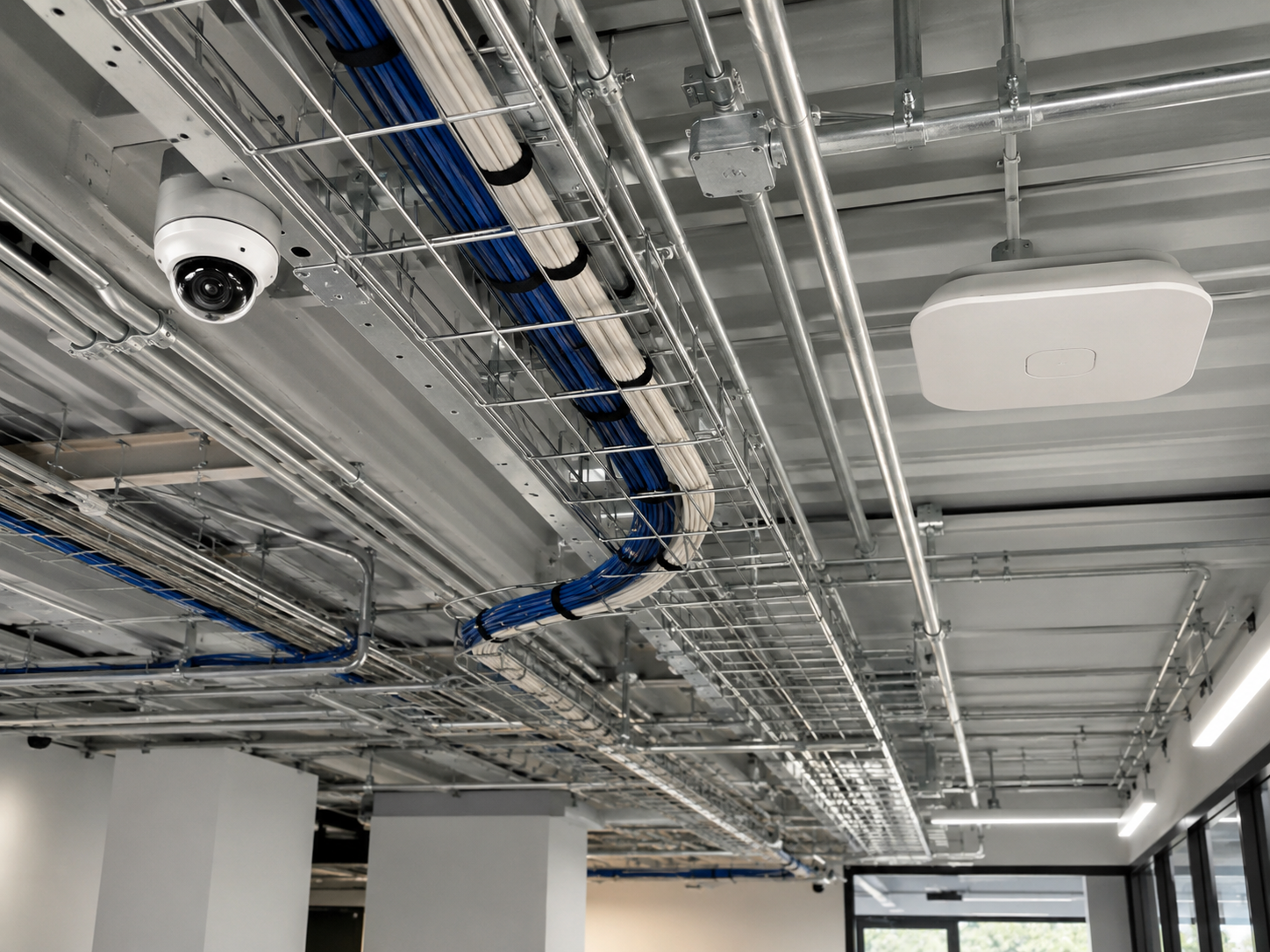
It depends on cabling, power, switching, recording, access, mounting, labeling, and long-term serviceability.
Relative planning impact
Use-Case Matrix
Which camera resolution fits which type of space?
This is not a universal engineering rule. It is a practical starting point for commercial camera planning.
| Space / Use Case | 1080p / 2MP | 4MP | 4K / 8MP |
|---|---|---|---|
| Small hallway or utility room | Often enough: Good for basic short-distance visibility. | Optional: Useful if more detail is needed. | Usually more than needed: May add storage without much benefit. |
| Office entrance or lobby | Sometimes: Works for general awareness. | Strong fit: Better detail for faces and entry activity. | Use selectively: Useful for larger lobbies or wider views. |
| Retail or restaurant interior | Area dependent: Can work in tighter views. | Strong fit: Good balance for counters, aisles, and customer areas. | Selective zones: Useful where zoom detail matters. |
| Loading dock | Often limited: Distance and vehicle activity may need more detail. | Good in some layouts: Works where distances are moderate. | Strong fit: Useful for wider dock areas and recorded review. |
| Warehouse aisle | Usually limited: Long aisles can make detail hard to see. | Layout dependent: Can work with good placement. | Strong fit: Useful for wider or longer coverage areas. |
| Parking lot or outdoor yard | Usually limited: Wide areas and distance reduce useful detail. | Selective use: Good for closer exterior views. | Strong fit: Often better for wider exterior coverage, especially with the right low-light camera technology. |
Buying Checklist
Before choosing a security camera, answer these questions
This checklist will get a business closer to the right answer than megapixels alone.
- ✓What exactly does this camera need to see?
- ✓How far away is the area of interest?
- ✓Do we need general visibility or identification-level detail?
- ✓Will this camera be indoors or outdoors?
- ✓Is this a low-light area that needs LightHunter-style, full-color, or advanced low-light camera technology?
- ✓Are there glare, reflections, shadows, headlights, or weather concerns?
- ✓How long does footage need to be stored?
- ✓Can the network and NVR handle the resolution?
- ✓Is there proper cabling and PoE capacity?
- ✓Will the system be easy to maintain and troubleshoot later?
Bottom Line
The best camera is the one matched to the job
There is no single best resolution for every business. A good commercial surveillance system may use a mix of 1080p, 4MP, 4K, PTZ, low-light, full-color, LightHunter-style, and specialty cameras depending on the building, viewing distance, lighting conditions, recording needs, and security goals.
Simple rule
Do not buy the biggest number on the box. Plan the view, understand the distance, review the lighting conditions, choose the right low-light camera technology when needed, check the network, size the storage, and choose cameras that make the footage useful after installation.
FAQ
Common questions about 1080p, 4MP, 4K, and low-light security cameras
Is 4K better than 1080p for security cameras?
4K provides more image detail than 1080p, but it is not automatically better for every location. A 1080p camera may work well for short-distance indoor views, while 4K may be better for parking lots, warehouses, entrances, and wider commercial spaces.
Is a 2 megapixel IP camera the same as 1080p?
In most cases, yes. A 1080p camera is commonly considered about 2 megapixels because its resolution is 1920 × 1080, or about 2.1 million pixels.
Do 4K security cameras use more storage?
Yes. 4K cameras usually require more storage than 1080p cameras because they record more image data. Storage planning should account for resolution, number of cameras, frame rate, recording schedule, and retention requirements.
Are 4MP cameras good for business security?
A 4MP camera can be a practical middle ground between 1080p and 4K. It often provides more detail than 1080p without the same storage and bandwidth demands as 4K.
Can low-light security cameras record usable footage at night?
Yes, in many situations. Low-light, full-color, and LightHunter-style camera technology can help capture usable footage in areas where older or basic cameras may struggle. The final result still depends on camera placement, lens selection, glare control, distance, and system design.
What matters most when choosing commercial security cameras?
The most important factors are camera placement, viewing distance, low-light performance, field of view, storage, network capacity, and the purpose of the camera. Megapixels matter, but they are only one part of the decision.
Need help choosing cameras for a commercial site?
Apollo Technology & Cabling designs and installs commercial surveillance systems for businesses, warehouses, offices, restaurants, healthcare facilities, property managers, and multi-tenant buildings across Chicagoland.
Camera placement • Low-light camera selection • Cabling • PoE switching • NVR planning • Remote access • Long-term serviceability