
Apollo Knowledge Magazine
Business Security Cameras: Coverage Matters More Than Camera Count
Start with what your footage must show. A practical guide to commercial CCTV planning for Chicago, Aurora, Naperville, Schaumburg, and surrounding Chicagoland communities.
In this article, you’ll learn
- Give every camera a clear job
- Plan for distance, lighting, and movement
- Match recording and infrastructure to the business
- Test playback and exports before accepting the system
Build Strong - Run Strong.
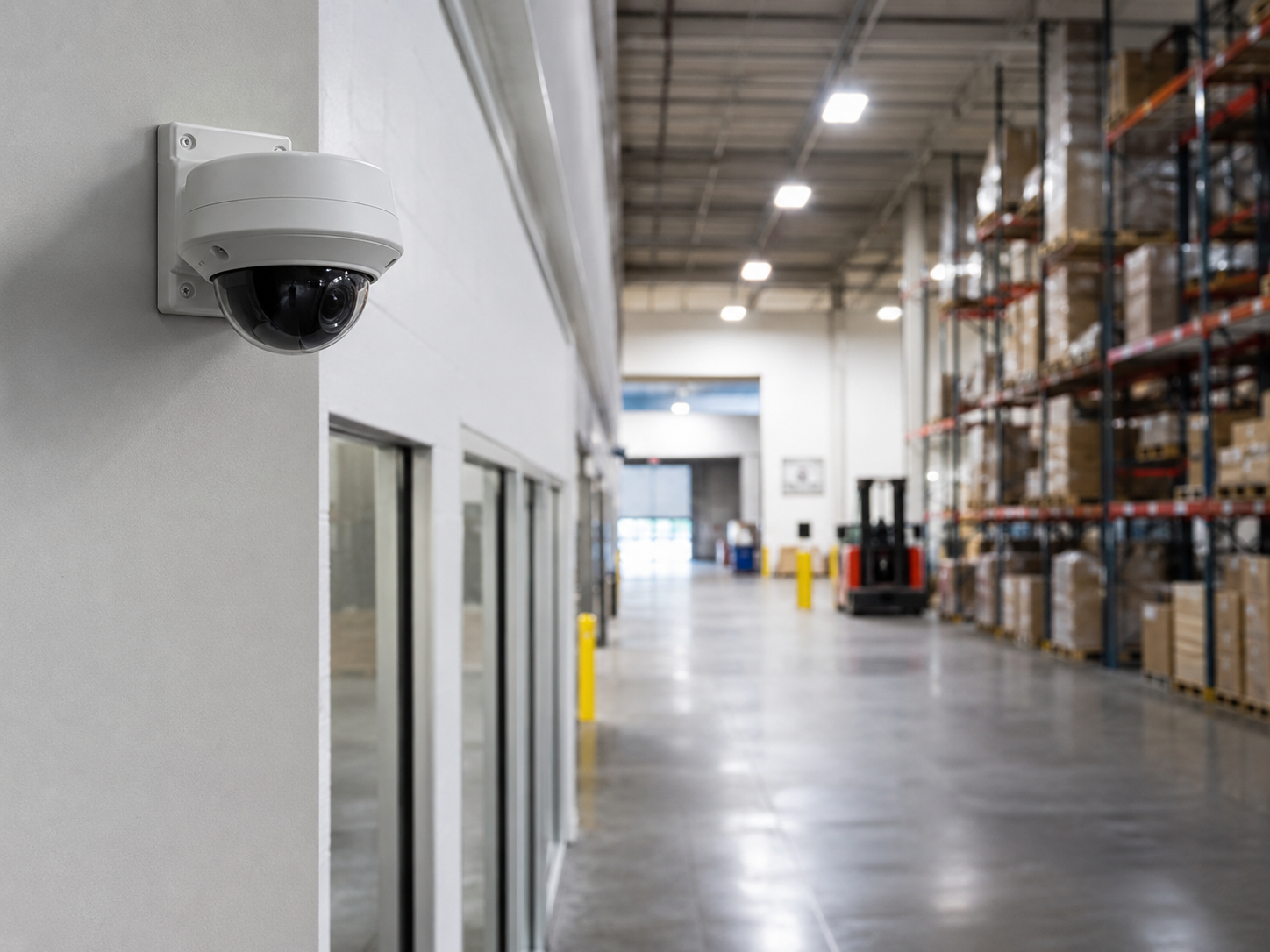
Quick Summary
Useful footage begins with a defined purpose.
A camera count tells you how many devices are in a proposal. It does not tell you whether the system can show a face at an entrance, document activity at a loading dock, or help reconstruct an incident in a parking area. Those outcomes depend on the complete design and its conditions of use.
Define the question
Decide whether a view needs to show general activity, a specific transaction, a person passing a doorway, or a vehicle at a controlled point. Write that purpose into the plan.
Design for real conditions
Consider target distance, mounting angle, obstructions, daylight, darkness, headlights, and movement. A clear empty-room image is only a starting point.
Prove the recording works
Review recorded playback and exports, confirm the time settings, and check that the retention plan matches the actual recording configuration.
Plan the system: Build Strong - Run Strong means planning the cameras, cabling, switching, power, recording, and handoff as one system.
Give Every Camera a Job
Overview Views and Detail Views Solve Different Problems
Commercial security camera installation should start with coverage objectives. Many facilities benefit from a combination of contextual views and focused views; the right mix depends on the site and the questions the business needs answered.
Overview Coverage
Understand activity across a broader area, such as a parking lot, warehouse aisle, or dock approach.
- Shows activity and movement across a broader scene.
- Provides context around an event and its sequence.
- Distant subjects may occupy too little of the image for the intended detail.
- Wide coverage does not guarantee identification at every location.
- Parked vehicles, stock, and changing layouts can obstruct the view.
Focused Coverage
Concentrate on a defined zone, such as an entrance, pickup counter, or controlled vehicle passage.
- Concentrates available image detail on a defined location.
- Can be positioned around predictable movement through an entrance.
- Allows the exposure and lighting plan to suit a particular task.
- Complements overview coverage during incident review.
- Provides a clear zone for an agreed acceptance test.
Plan the combination: A warehouse may need an overview to reconstruct activity around a dock and a separate view of the pedestrian entrance. A camera facing the truck yard does not automatically show useful detail of every person entering the building. This is an illustrative planning example, not a customer case study.
Plan Before Installing
A Practical Process for Commercial CCTV Planning
A useful camera plan connects business objectives with building conditions, equipment choices, recording requirements, and clear acceptance checks. Involve Apollo before construction, renovation, or equipment purchasing fixes the available options.
-
01
Walk the site and identify priorities
Discuss entrances, loading docks, parking areas, public counters, and other locations where the business needs visibility. Ask which incidents or operating questions matter most. Review existing cameras before assuming every device needs replacement. A site walk can expose sightline and access constraints that are hard to judge from a camera list.
Result: A coverage brief based on actual priorities. -
02
Assign a purpose to every view
Identify the subject and the area where useful detail is required. Consider mounting height, distance, lens selection, and the path a person or vehicle is expected to take. High mounting may help protect a camera but can produce a steep angle that provides limited facial detail. Document which locations require context and which need closer observation.
Result: A camera schedule that explains the intended job of each view. -
03
Check lighting, movement, and obstructions
Evaluate sunlight at entrances, interior-to-exterior contrast, after-hours lighting, headlights, and vehicle or pedestrian motion. Infrared illumination may help in darkness, but performance still depends on the scene and installation. Wide dynamic range is useful in challenging contrast; it does not guarantee readable faces or plates in every condition. Account for doors, shelving, trucks, foliage, and seasonal changes.
Result: Known scene challenges that can be addressed before installation. -
04
Plan the infrastructure and recording
Review cable pathways, distances, switch ports, PoE budgets, uplinks, recorder inputs, recording throughput, and storage. Agree on continuous, event-based, or mixed recording and the required retention period. Retention depends on recorded bitrate, camera count, recording duration, and usable capacity. Compression settings, resolution, frame rate, scene activity, and noise affect the storage picture. A drive size alone is not a retention guarantee.
Result: A design whose cabling, power, network, and recorder capacities support the plan. -
05
Choose equipment that fits the job and budget
Select proven, supported cameras and recording equipment based on the required views, operating environment, compatibility, maintenance needs, and budget. Identify recurring fees and the features that depend on them. Keep useful existing equipment where it meets the requirements. New features should earn their place through practical benefit and adequate evaluation rather than novelty.
Result: A proposal with clear reasons for the recommended equipment. -
06
Validate playback, exports, and handoff
Check recorded footage of people and vehicles in the intended zones, including representative low-light and motion conditions. Verify timestamps and time zone, search an event, and export a usable clip. Confirm who administers accounts, who receives recording or device alerts where supported, and who checks system health. Document camera names, views, recording assumptions, and unresolved items.
Result: An agreed acceptance record and a team that knows how to retrieve footage.
Early coordination matters: Calling Apollo during planning gives the team time to coordinate camera positions, cable pathways, access equipment, PoE capacity, recorder location, and maintenance access. Once ceilings are closed or other trades have finished, avoidable return visits and rework can add labor.
The Coverage Checklist
Evaluate the Whole View
Use these six checks at each proposed camera position. A floor-plan symbol marks a device; these questions describe what that device needs to accomplish.
Start with the business objective
Purpose → Placement → Proof
Define the view, design around the scene, then validate the recorded result. A design drawing is a planning aid; on-site testing confirms actual performance.
Subject and purpose
Is the goal general activity, a specific action, a face at a doorway, or a vehicle at a controlled point? Choose the view to match that purpose.
Distance and angle
Confirm how large the subject appears in the recorded scene. A wide-angle view that covers more floor area may provide less detail at the far end.
Light and contrast
Check bright entrances, dark corners, nighttime lighting, reflective surfaces, and headlights. Test the conditions that matter during real operation.
Movement and exposure
A sharp still frame of an empty room does not prove useful moving-subject footage. Exposure settings influence motion blur and must suit the scene.
Obstructions and change
Shelving, parked trailers, open doors, vegetation, and seasonal changes can block views. Revisit coverage when the facility layout changes.
Recording and retrieval
Confirm the selected stream is recorded, playback looks suitable, time settings are correct, and authorized staff can locate and export an event.
Acceptance check: Review recorded footage of representative activity under the required conditions. Live view alone does not prove recording quality, retention, or export usability.
Frequently Asked Questions
Business Security Camera Planning Questions
Practical answers for owners, facility managers, property teams, and IT providers evaluating commercial surveillance.
How many security cameras does our business need?
Start with the areas and outcomes you need to cover. Camera count follows the coverage plan, sightlines, and required detail. A site with open space may have different needs from one divided by shelving, walls, or multiple entrances.
There is no reliable camera-per-square-foot shortcut for every business.
Will 4K cameras solve our coverage problems?
Higher resolution can provide more image detail when the optics, target size, lighting, exposure, and recording settings support it. It cannot remove an obstruction or correct an unsuitable camera angle.
Review actual footage before replacing every camera based on resolution alone.
Can one parking-lot camera capture every license plate?
An overview camera should not be assumed to capture readable plates throughout a parking lot. Plate capture is a specific task shaped by lane geometry, distance, angle, speed, headlights, exposure, and lighting.
If plates matter, define the capture zone and verify representative recorded results as part of a dedicated design.
How long should we keep recordings?
Choose a retention objective based on how the business discovers and reviews incidents and any requirements identified by its insurer, advisor, or other responsible party. Then size and configure the system for that objective.
Confirm retention after the system has accumulated representative recordings. Do not rely solely on a theoretical estimate.
Can Apollo reuse our existing cameras and cabling?
Potentially. Review camera capabilities, device support, recorder compatibility, cable condition, power delivery, and actual footage against the intended objectives. Some sites need better placement or a few targeted additions rather than a complete replacement.
The assessment should distinguish what is usable, what needs repair, and what cannot meet the agreed purpose.
When should we involve Apollo and our IT provider?
Bring Apollo into planning before pathways, ceilings, mounting positions, and equipment purchases are finalized. Involve IT for network configuration, remote access, accounts, and other administrative responsibilities.
Agree on responsibilities and access controls before installation. Give authorized staff a practical playback and export walkthrough at handoff.
Ask for clarity: A useful proposal identifies coverage objectives, assumptions, infrastructure responsibilities, recording settings, and how the finished system will be checked.
Build Strong - Run Strong.
Plan Cameras Around the Questions Your Business Needs Answered.
Apollo Technology & Cabling helps businesses plan commercial CCTV, surveillance cabling, network infrastructure, and recording systems around the facility and its operating needs. Whether you are adding cameras or reviewing an existing installation, start with a conversation and a site walk.
Serving Chicago, North Aurora, Aurora, Naperville, Plainfield, Schaumburg, Elgin, Oak Brook, Bensenville, Bolingbrook, and surrounding Chicagoland communities. Confirm project coverage with Apollo.
Technical References
- Axis Communications: Quality with a Purpose — overview and identification objectives.
- Axis Communications: Troubleshooting Image Quality — lighting, exposure, and motion considerations.
- Axis Communications: Bitrate Control for IP Video — bitrate and storage planning.
References support general design principles; product-specific behavior should be checked against the selected equipment.