
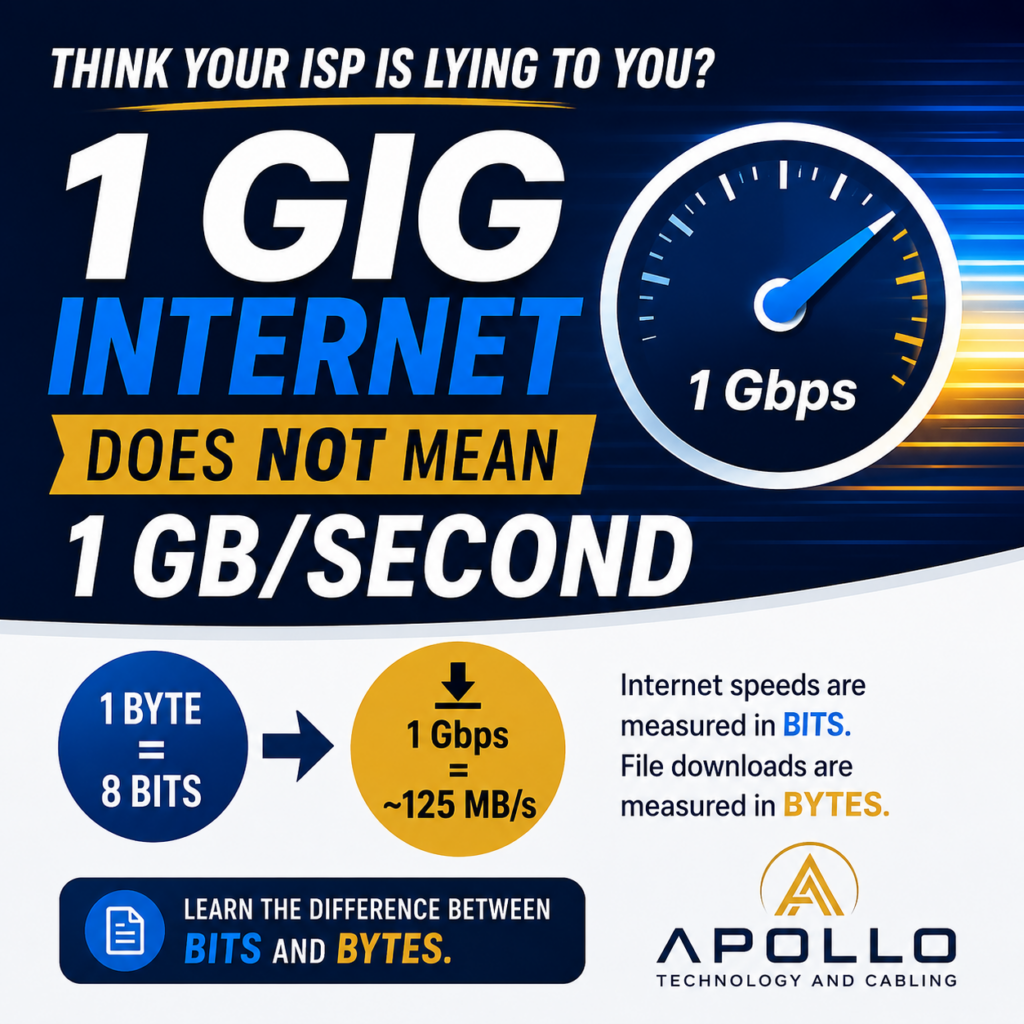
Why Doesn’t My 1 Gig Internet Connection Download at 1 Gig Per Second?
Understanding the Difference Between Bits and Bytes
One of the most common misconceptions in networking is how Internet speed is measured. We regularly hear clients say:
“I pay for 1 Gig Internet, but my computer only downloads at 100 MB/s. Am I getting ripped off?”
The short answer is probably not.
The confusion comes from the difference between bits and bytes.
Bits vs. Bytes: What’s the Difference?
Internet providers measure speed in bits per second.
Computers typically measure file transfers in bytes per second.
| Unit | Meaning |
|---|---|
| b | Bit |
| B | Byte |
| Mbps | Megabits per second |
| MB/s | Megabytes per second |
| Gbps | Gigabits per second |
| GB/s | Gigabytes per second |
A single byte contains 8 bits.
1 Byte = 8 Bits
The Quick Formula
To convert Internet speed into the file transfer speeds you typically see on a computer:
Megabits ÷ 8 = Megabytes
Gigabits ÷ 8 = Gigabytes
Real-World Examples
| Internet Speed | Maximum File Download Speed |
|---|---|
| 100 Mbps | 12.5 MB/s |
| 300 Mbps | 37.5 MB/s |
| 500 Mbps | 62.5 MB/s |
| 1 Gbps | 125 MB/s |
| 2 Gbps | 250 MB/s |
| 5 Gbps | 625 MB/s |
| 10 Gbps | 1.25 GB/s |
If you have a 1 Gigabit Internet connection and see downloads around 100–120 MB/s, your connection is performing exactly as expected.
Why Windows Shows Different Numbers
Most web browsers, cloud storage platforms, and Windows File Explorer display transfer speeds in MB/s (Megabytes per second).
Internet providers advertise service in Mbps or Gbps (Megabits per second).
Because of this, the numbers never look the same.
For example:
115 MB/s download speed
Multiply by 8:
115 × 8 = 920 Mbps
That is very close to fully utilizing a Gigabit Internet connection.
Why You May Never Reach the Full Advertised Speed
Even on a healthy network, you rarely see the theoretical maximum.
Several factors consume bandwidth:
- Network protocol overhead
- TCP/IP headers
- Encryption
- Firewall inspection
- Wi-Fi interference
- Server-side limitations
- Storage read/write speeds
A Gigabit connection may realistically deliver:
940–980 Mbps
or roughly
117–122 MB/s
during large file transfers.
Internet Speed Isn’t Always the Bottleneck
Many businesses upgrade Internet service expecting faster downloads, only to discover the actual limitation is elsewhere.
Common bottlenecks include:
Wi-Fi
Even with Gigabit Internet, an older Wi-Fi connection may only support 200–400 Mbps.
Network Hardware
Older switches and routers may not support multi-gig speeds.
Storage Performance
A slow hard drive may struggle to write data fast enough to keep up with the Internet connection.
The Source Server
The website or cloud provider you’re downloading from may limit speeds long before your Internet connection is saturated.
What About 2 Gig Fiber?
Let’s use a common business fiber circuit as an example.
A 2 Gbps symmetrical fiber connection provides:
- 2 Gbps download
- 2 Gbps upload
Converted to file transfer speeds:
2,000 Mbps ÷ 8 = 250 MB/s
In real-world conditions, most users would see roughly:
220–240 MB/s
during large downloads.
The Apollo Rule of Thumb
When comparing Internet speeds to file transfer speeds:
Take the Internet speed and divide by 8.
Examples:
- 1 Gbps Internet = ~125 MB/s
- 2 Gbps Internet = ~250 MB/s
- 5 Gbps Internet = ~625 MB/s
- 10 Gbps Internet = ~1,250 MB/s
If your download speeds are close to those numbers, your connection is likely performing as expected.
Need Help Troubleshooting Network Performance?
At Apollo Technology Group, we help businesses identify whether slow performance is being caused by:
- Internet service limitations
- Wi-Fi coverage issues
- Network equipment bottlenecks
- Cabling problems
- Server and storage performance
- ISP provisioning issues
If your network feels slow, the Internet connection may not be the culprit.
Apollo Technology Group provides network assessments, Wi-Fi optimization, structured cabling, fiber connectivity, and business network support throughout the Chicago Tri-State area.