
Commercial Access Control Systems: Card Readers vs Mobile Credentials
Choosing between key card access and mobile credentials is one of the most important decisions in a commercial access control project. The right answer depends on the building, the users, the doors, the network, the security requirements, and the people who will manage the system every day.
Quick Summary
Commercial access control systems manage who can enter specific doors, suites, buildings, employee entrances, loading docks, storage rooms, server rooms, restricted areas, and other controlled spaces. For many Chicago-area businesses, the credential decision comes down to two practical choices: traditional key card access or mobile credentials.
Key card access uses a physical card or fob presented to a reader. Mobile credentials use a smartphone, smartwatch, or app-based credential to unlock the door. Both can be secure. Both can be practical. Both can also create problems when the system is selected without considering daily operations.
Apollo’s real-world recommendation: Many commercial buildings are best served by a hybrid access control system that supports both key cards and mobile credentials. This gives the business flexibility today and a cleaner upgrade path tomorrow.
Apollo Technology & Cabling designs and installs commercial access control systems throughout the Chicago metropolitan area, including Aurora, Naperville, Schaumburg, Oak Brook, Bolingbrook, Elgin, Joliet, St. Charles, Geneva, Batavia, Downers Grove, Lisle, Plainfield, Oswego, Wheaton, and surrounding suburbs.
What Are Commercial Access Control Systems?
Commercial access control systems are designed to control and document access to doors, gates, suites, restricted rooms, and secure areas within a business or managed property. Instead of relying only on traditional keys, a commercial door access control system allows administrators to assign, change, schedule, and revoke access electronically.
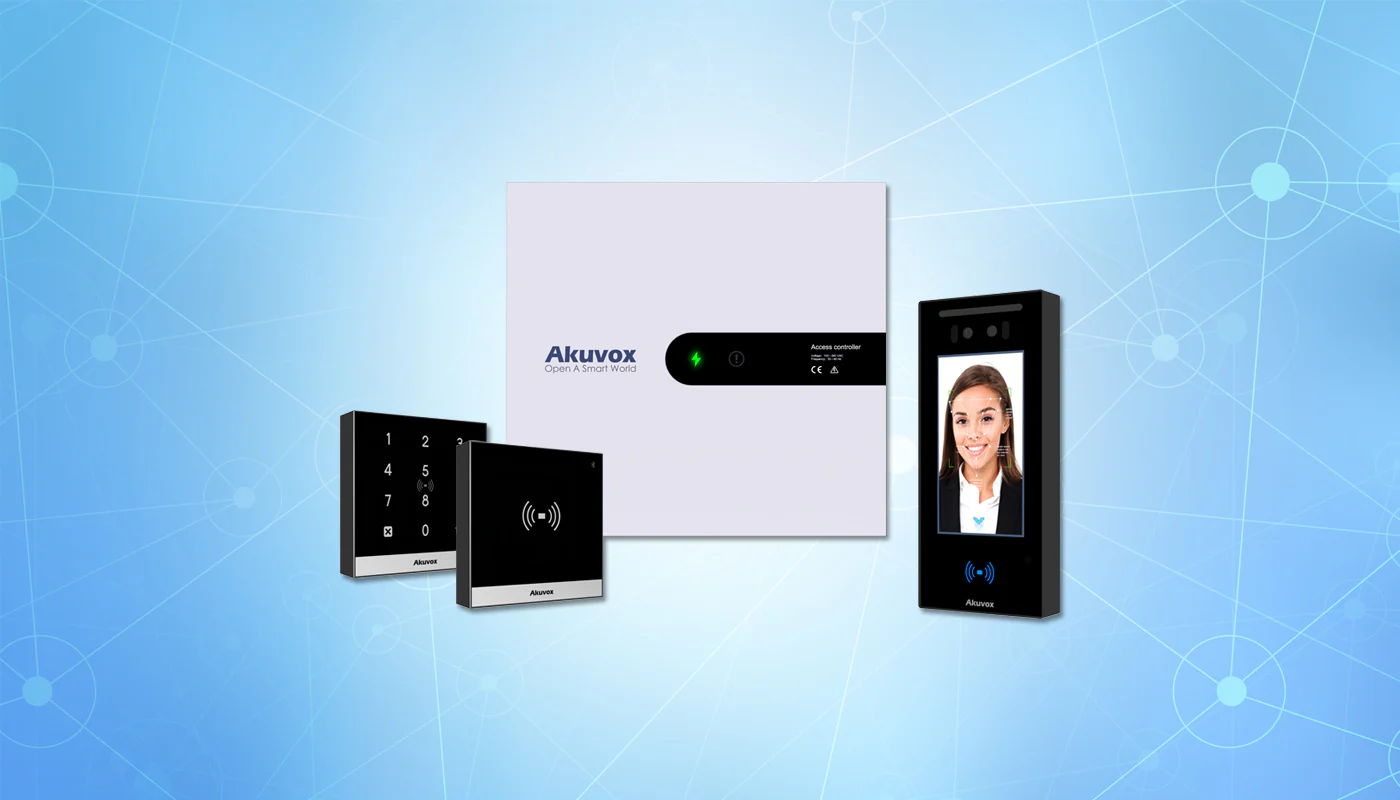
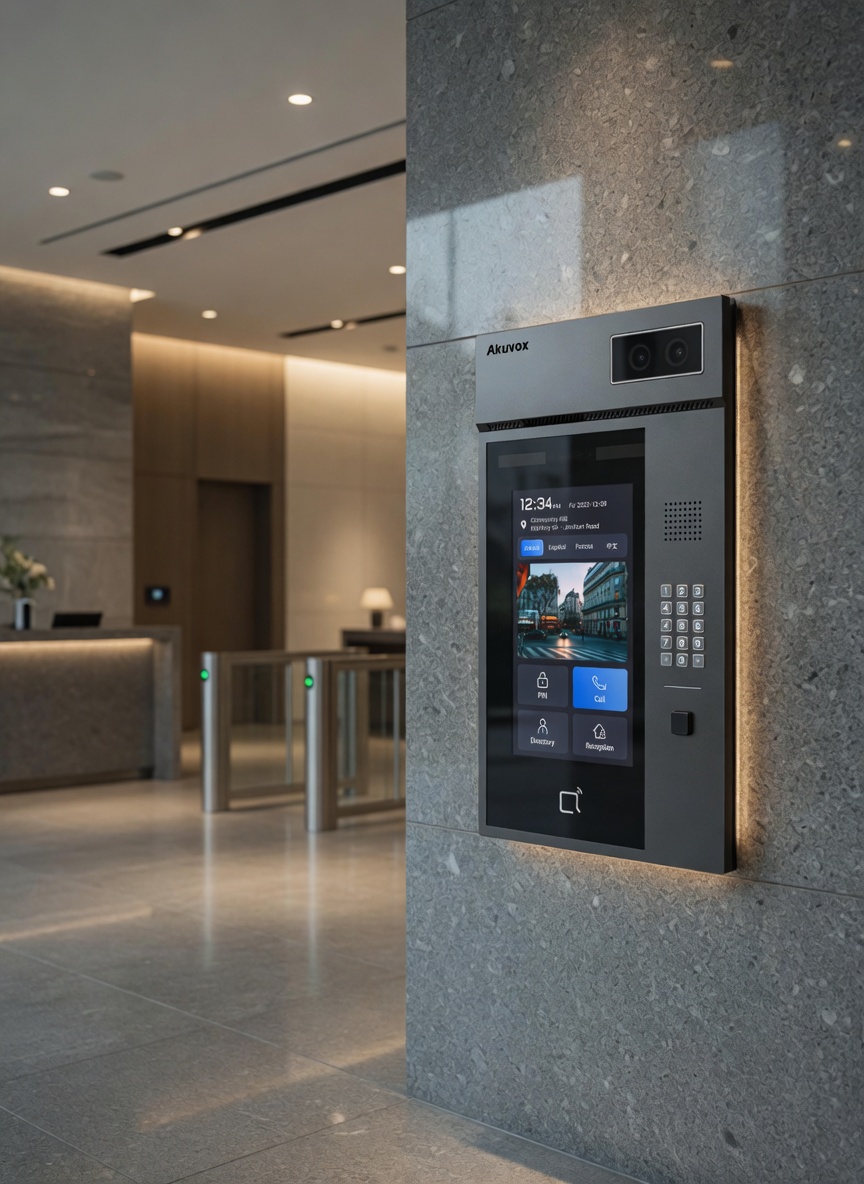
A typical commercial access control system may include door readers, cards, fobs, PINs, mobile credentials, door controllers, electric strikes, maglocks, electrified locksets, request-to-exit devices, door position sensors, power supplies, cloud access control software, network connections, and administrative permissions.
Common Access-Controlled Areas
- Main employee entrances
- After-hours building entrances
- Commercial office suites
- Server rooms and IT closets
- Warehouse and loading dock doors
- Inventory cages and storage areas
- Healthcare staff-only areas
- School administrative and maintenance areas
- Multi-tenant commercial common areas
What the System Controls
- Who can enter
- Which doors they can use
- What days and times access is allowed
- Temporary vendor or visitor permissions
- Employee onboarding and offboarding
- Access event history and audit trails
- Door schedules and lockdown procedures
In a well-planned commercial access control installation, the system is designed around how the building actually functions. That includes employee flow, visitor flow, delivery access, emergency egress, ADA considerations, door hardware conditions, IT policies, network reliability, and who will manage credentials after installation.
Apollo approaches access control as part of the larger commercial technology infrastructure. The reader at the door is only one piece. The system also depends on clean cabling, proper power, reliable network hardware, organized controller placement, accurate labeling, and documentation that makes future service easier.
What Are Commercial Access Control Systems?
Commercial access control systems are designed to control and document access to doors, gates, suites, restricted rooms, and secure areas within a business or managed property. Instead of relying only on traditional keys, a commercial door access control system allows administrators to assign, change, schedule, and revoke access electronically.
A typical commercial access control system may include door readers, cards, fobs, PINs, mobile credentials, door controllers, electric strikes, maglocks, electrified locksets, request-to-exit devices, door position sensors, power supplies, cloud access control software, network connections, and administrative permissions.
Common Access-Controlled Areas
- Main employee entrances
- After-hours building entrances
- Commercial office suites
- Server rooms and IT closets
- Warehouse and loading dock doors
- Inventory cages and storage areas
- Healthcare staff-only areas
- School administrative and maintenance areas
- Multi-tenant commercial common areas
What the System Controls
- Who can enter
- Which doors they can use
- What days and times access is allowed
- Temporary vendor or visitor permissions
- Employee onboarding and offboarding
- Access event history and audit trails
- Door schedules and lockdown procedures
In a well-planned commercial access control installation, the system is designed around how the building actually functions. That includes employee flow, visitor flow, delivery access, emergency egress, ADA considerations, door hardware conditions, IT policies, network reliability, and who will manage credentials after installation.
Apollo approaches access control as part of the larger commercial technology infrastructure. The reader at the door is only one piece. The system also depends on clean cabling, proper power, reliable network hardware, organized controller placement, accurate labeling, and documentation that makes future service easier.
Card Readers: How Key Card Access Works
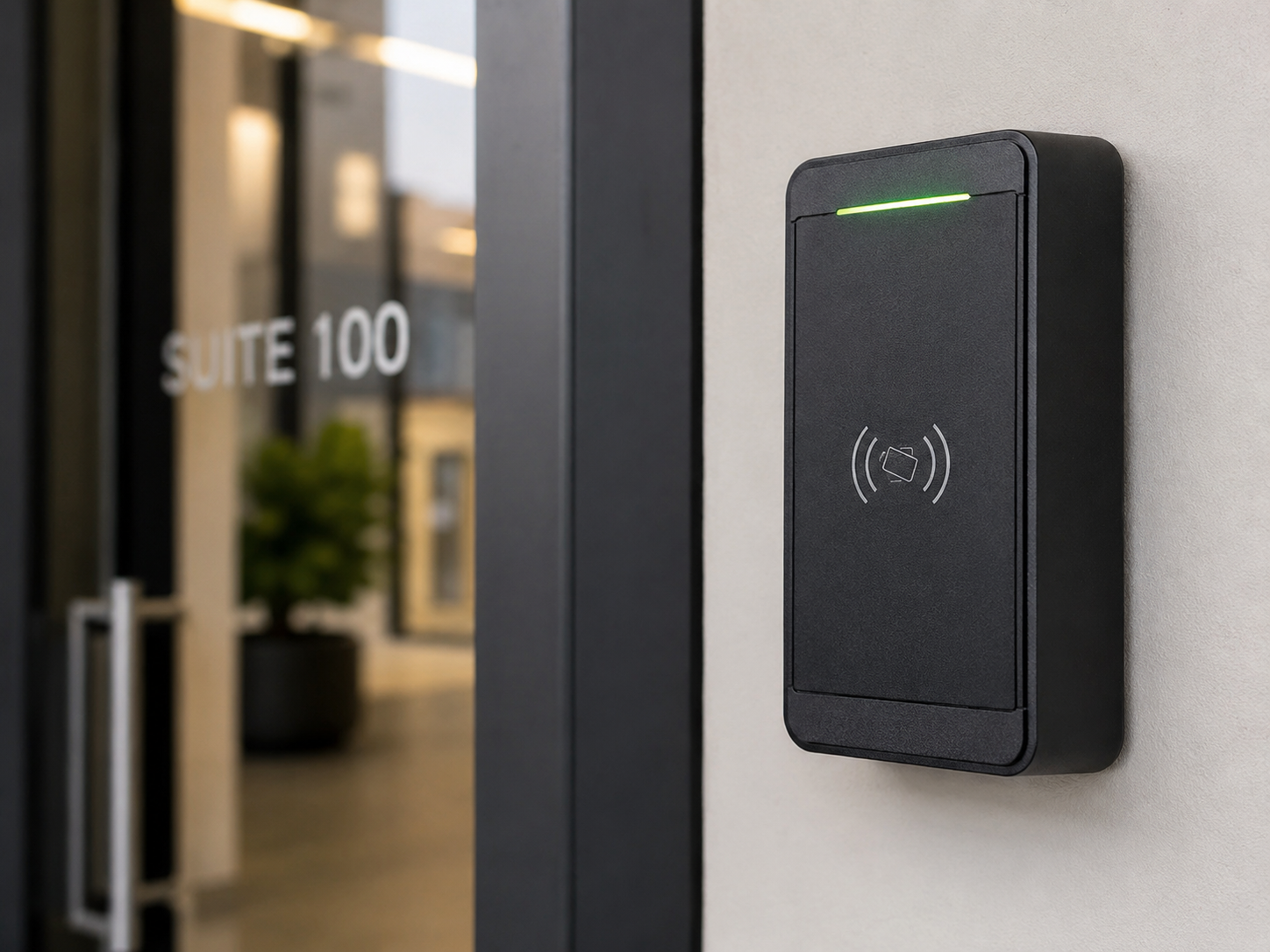
Key card access uses a physical credential, usually a card or fob, that is assigned to a specific person. When the user presents the card to a reader, the access control system checks whether that credential is authorized for that door at that time. If access is approved, the controller releases the lock or strike.
Key card access remains common in commercial environments because it is familiar, simple to explain, and easy for many teams to manage. For businesses that already use employee badges, a card-based access system can fit naturally into the existing onboarding and identification process.
Advantages of Key Card Access
- Familiar to most employees, tenants, and vendors
- Works well with visible employee ID badges
- Simple for front offices and facility teams to issue
- Useful in environments where phones are restricted
- Good fit for healthcare, schools, warehouses, and manufacturing
- Can be cost-effective for larger user groups
Limitations of Key Card Access
- Cards and fobs can be lost
- Credentials may be loaned to other people
- Former employees may forget to return cards
- Temporary vendor cards can become permanent by accident
- Replacement cards create administrative work
- Older card technologies may not meet modern security expectations
Apollo field note: In commercial installations, the weakness is rarely the card reader itself. The bigger issue is usually credential management. If old cards stay active, temporary cards are not tracked, or no one owns the access database, the system becomes less secure over time.
That does not mean key card access is outdated. A properly designed and well-managed card access system is still a major improvement over traditional metal keys. The important part is choosing the right credential type, documenting the system, and making sure someone is responsible for user management after installation.
Mobile Credentials: How Phone-Based Access Works
Mobile credentials allow a smartphone, smartwatch, or app-based credential to function as the access credential. Instead of presenting a physical card, the user presents a phone or compatible wearable to the reader. Depending on the access control platform, the credential may use NFC, Bluetooth, mobile wallet access, or an app-based unlock method.
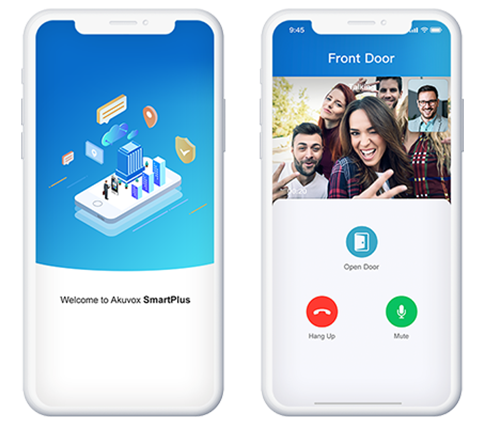
Mobile credentials are becoming more common in modern commercial access control systems because they can reduce physical card handling and make administration easier. For businesses using cloud access control, mobile credentials can often be issued, changed, or revoked without physically handing a card to the user.
Advantages of Mobile Credentials
- Convenient for users who already carry smartphones
- Can reduce lost-card replacement issues
- Useful for cloud access control management
- Can simplify onboarding and offboarding
- Strong fit for commercial offices and property managers
- Helpful for multi-site businesses and mobile staff
Limitations of Mobile Credentials
- Some employees may not want to use personal phones
- Older phones may not support every credential type
- Some platforms involve recurring credential licensing
- Phone battery issues must be considered
- Workplace phone policies can affect adoption
- Not always ideal for production floors or restricted phone environments
Apollo field note: Mobile credentials work best when the client has already thought through phone policies, employee expectations, administrative ownership, and backup access. They are convenient, but they should not be treated as a magic replacement for planning.
For many offices, property management teams, healthcare administrators, and multi-site businesses, mobile credentials can create a smoother experience. For warehouses, schools, manufacturing facilities, and mixed-user environments, mobile access may work best as part of a hybrid strategy rather than the only credential method.
Card Readers vs Mobile Credentials: Side-by-Side Comparison
The best credential strategy depends on how the building is used. A commercial office with hybrid employees may have different needs than a warehouse with shift workers, a healthcare facility with visible ID badges, or a multi-tenant property with frequent vendor access.
| Category | Key Card Access | Mobile Credentials |
|---|---|---|
| User Experience | Familiar, simple, and easy to explain | Modern, convenient, and phone-based |
| Credential Type | Physical card, badge, or fob | Smartphone, smartwatch, wallet, or app credential |
| Best Fit | Mixed staff, badge-based environments, warehouses, healthcare, and schools | Offices, property management, cloud access control, and multi-site teams |
| Administration | Requires issuing, replacing, and collecting physical credentials | Can often be issued and revoked digitally |
| Lost Credential Risk | Cards can be lost, shared, or forgotten | Phones can be lost, but users usually notice quickly |
| Employee Acceptance | Usually low-friction because cards are familiar | Depends on phone policy, employee comfort, and device compatibility |
| Cost Structure | Physical cards or fobs are purchased and replaced as needed | May include mobile credential licensing or subscription costs |
| Visitor and Vendor Use | Temporary cards or front-desk handoff may be needed | Temporary mobile access may be possible depending on platform |
| Apollo Recommendation | Reliable baseline for many commercial buildings | Strong option when the workflow supports it |
For many Chicago-area businesses, the most practical answer is not choosing one credential type forever. It is selecting a commercial access control system that gives the organization room to use both.
Best Uses by Commercial Environment
Credential decisions should follow the environment. Apollo designs access control systems around real building operations, not just product features. The right system for a commercial office may not be the right system for a warehouse, school, healthcare facility, or managed property.
Commercial Offices
Commercial offices are often strong candidates for mobile credentials, especially when employees already use company-managed devices or the business wants a modern workplace experience. Hybrid workplaces can benefit from easier credential administration, especially when employees are not in the office every day.
Apollo often recommends mobile credentials for office employees, with physical cards available for users who need them, visitors, vendors, or backup access.
Healthcare Facilities
Healthcare environments often need access control for staff-only areas, records rooms, medication areas, administrative spaces, IT closets, and back-of-house entrances. Key cards remain practical because visible staff badges are common.
Mobile credentials may still be useful for administrators, physicians, and managers, but phone policies and workflow should be reviewed before making mobile access the only method.
Manufacturing and Warehouses
Warehouses and manufacturing facilities need durable, simple, reliable access control. Employees may not carry phones on the production floor, and some areas may restrict phone use.
Apollo commonly recommends cards or fobs for workforce entrances, with mobile credentials available for supervisors, managers, office staff, and vendors.
Schools and Education
Schools need access control that supports safety, accountability, and clear administrative ownership. Staff entrances, main offices, maintenance doors, IT rooms, gyms, and restricted corridors may all require different access rules.
Key cards are often practical for staff identification. Mobile credentials may fit administrators or facilities personnel who move between buildings.
Property Management
Property managers often need to manage tenants, vendors, cleaning crews, maintenance teams, package rooms, common areas, parking access, and after-hours permissions.
Mobile credentials can reduce physical card handling, especially with cloud access control. Apollo still recommends keeping card options available for flexibility.
Multi-Tenant Commercial Buildings
Multi-tenant commercial buildings need flexible access control because occupants, vendors, and schedules change over time. A platform that supports both mobile credentials and physical cards can make tenant transitions easier.
The system should include clean access groups, clear administrative roles, audit trails, and documentation that helps the property team manage the building long-term.
Common Problems Apollo Sees in Access Control Projects
Access control problems usually do not start with the reader. They start with planning. The hardware may be perfectly capable, but the system can still become frustrating if the credential strategy, door hardware, cabling, software, and administrative process were not planned together.
Unclear Ownership
The system gets installed, but no one knows who is responsible for adding users, removing former employees, reviewing access groups, or updating schedules. Over time, access permissions become messy.
Poor Door Evaluation
Not every door is ready for access control. Door frames, closers, latch alignment, panic hardware, glass conditions, fire rating, and existing locksets all affect the final design.
Weak Credential Management
Cards are issued without a clear naming convention. Old credentials remain active. Temporary vendor cards become permanent. No one reviews access permissions after employee turnover.
Network Requirements Ignored
Some commercial access control systems need reliable internet, PoE switches, cloud access, controller connectivity, or firewall planning. The access system should be coordinated with IT before installation.
Disconnected Security Systems
Businesses may end up with one platform for cameras, another for doors, another for intercoms, and another for alarms. This makes administration and troubleshooting harder.
Lack of Documentation
Without door schedules, cable labels, panel locations, access groups, and admin notes, future support becomes slower and more expensive.
Apollo field note: A beautiful reader on a poorly functioning door is still a poor installation. Apollo evaluates the door, hardware, pathway, power, network, user workflow, and support process before recommending the final access control design.
Apollo’s Professional Recommendation
For most Chicago-area commercial buildings, Apollo recommends choosing an access control platform that can support both key card access and mobile credentials, even if the organization only plans to use one method at first.
A hybrid-ready system protects the investment. A business may start with cards today and add mobile credentials later. A property manager may use mobile credentials for tenants and physical cards for vendors. A healthcare facility may use badges for staff and mobile access for administrators. A warehouse may use fobs for shift workers and mobile access for supervisors.
Why Hybrid Often Wins
Hybrid systems give the organization flexibility. They allow different user groups to use the credential method that fits their role, while keeping management under one access control platform.
What Apollo Avoids
Apollo avoids recommending technology just because it is new or popular. The system needs to be reliable, scalable, maintainable, and realistic for the people who will use it every day.
Bottom line: The credential decision should follow the workflow, not the other way around. Start with the building, the doors, the users, the security requirements, and the management process. Then choose the reader and credential strategy.
Frequently Asked Questions
Are mobile credentials more secure than key cards?
Mobile credentials can be more secure in some situations, especially when paired with modern phones, strong account controls, and a well-managed cloud access control platform. However, security depends on the full system design. A poorly managed mobile credential system is not automatically better than a well-managed key card system.
Should our business replace key cards with mobile credentials?
Not always. Many businesses are better served by a hybrid system. Mobile credentials may be ideal for managers, office staff, and property teams, while cards or fobs may remain better for warehouse workers, healthcare staff, school personnel, vendors, or users who need visible badges.
What happens if an employee loses a key card?
The card should be deactivated immediately in the access control system. This is one of the main advantages of commercial access control over traditional metal keys. With traditional keys, a lost key may require rekeying locks. With access control, the credential can be removed from the system.
What happens if an employee loses a phone with a mobile credential?
The administrator should revoke the mobile credential through the access control platform. The employee may also use phone security tools to lock or wipe the device. The exact process depends on the mobile credential platform and company policy.
Is cloud access control a good idea?
Cloud access control can be a strong option for businesses that want remote management, multi-site control, easier credential administration, and less dependence on local server infrastructure. However, it should be designed with internet reliability, admin permissions, cybersecurity expectations, and support needs in mind.
Can Apollo install access control in an occupied building?
Yes. Apollo works in occupied commercial buildings, phased projects, retrofit environments, healthcare spaces, offices, warehouses, schools, retail properties, and multi-tenant buildings. Planning is especially important when doors must remain operational during installation.
Can access control integrate with cameras?
Yes. Access control and surveillance are commonly planned together. A door event tells you when a credential was used. A camera helps verify what happened visually. This is especially useful at employee entrances, loading docks, front entrances, restricted rooms, and common areas.
Is mobile access good for multi-tenant commercial buildings?
Yes, mobile credentials can be useful for multi-tenant commercial properties, especially when tenants change, vendors need temporary access, or property managers want easier credential control. Apollo still recommends keeping physical credential options available for flexibility.
Do mobile credentials require a subscription?
Many mobile credential platforms involve licensing or recurring costs. The cost structure depends on the platform. Apollo recommends reviewing credential licensing before selecting the system so the long-term budget is clear.
What is the best access control system for a Chicago-area business?
The best system depends on the building, doors, users, security requirements, management process, and budget. Apollo helps businesses evaluate the environment first, then recommend a practical system that supports long-term reliability.
Related Apollo Services
Commercial access control systems connect naturally to several Apollo services because access control depends on cabling, network infrastructure, door hardware coordination, cameras, intercoms, and long-term support.
Security and Access
Infrastructure and Network
If you are planning a new access control system, replacing traditional keys, upgrading an older card access system, or comparing mobile credentials with key card access, Apollo can help evaluate the building and recommend a practical path forward.
Need Help Choosing Between Key Cards and Mobile Credentials?
Apollo Technology & Cabling designs, installs, and supports commercial access control systems for offices, healthcare facilities, schools, warehouses, manufacturers, property managers, and multi-tenant commercial buildings throughout the Chicago metropolitan area.
We can help evaluate your doors, credential options, cabling, network requirements, camera integration, cloud access control needs, and long-term support plan.