
Apollo Knowledge Magazine · Industrial Corridors Series · 3 of 6
Des Plaines to Franklin Park: Plan Loading-Dock Cameras Around the Evidence You Need
A truck is visible in the recording, but the handoff happens outside the frame. A person enters through a bright doorway, but the stored clip shows only a silhouette. For freight and warehouse properties around Des Plaines and Franklin Park, useful surveillance begins with the incident the business may need to review—not the number of cameras in a quote.
Quick summary
Define loading-dock views, recorded detail, retention and export responsibilities before selecting cameras.
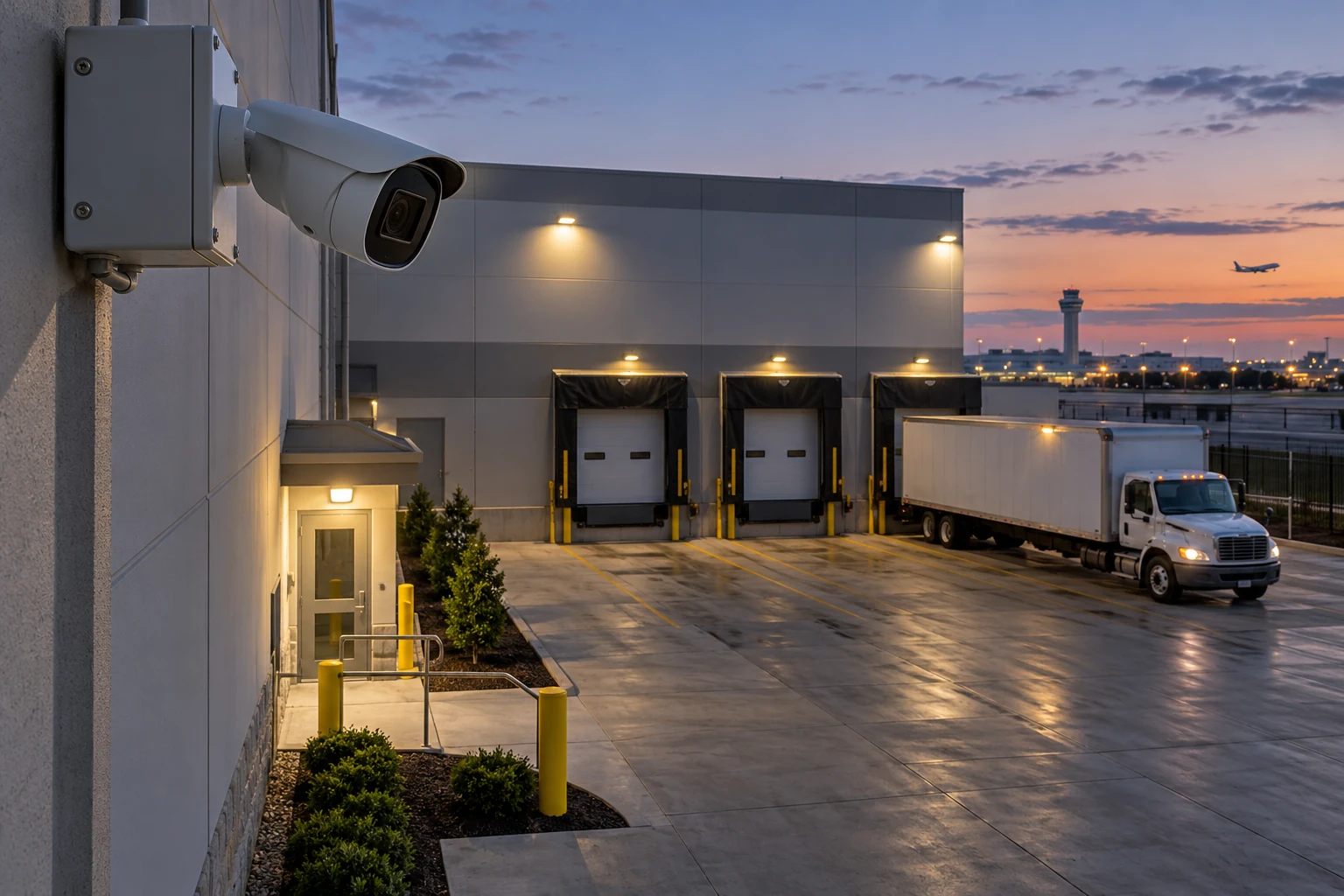
Imagine a logistics operator investigating a pallet discrepancy across two dock bays and a pedestrian entrance. One broad camera view establishes the sequence, while a closer view may be needed for the transfer point. The same questions apply to Park Ridge, Rosemont and Schiller Park facilities. This is an illustrative example rather than a verified installation.

Define the event and the viewing task
List the operational questions: Which bay was used? When did a person enter? What happened at the transfer point? A camera intended to show yard activity has a different task from a camera intended to capture useful close detail. Document the target area, distance and expected lighting for each view. Axis explains that scene detail depends on pixel density and other image-quality factors. Resolution alone does not establish whether the recorded evidence will answer the business question.
Treat docks as changing scenes
Open dock doors, headlights, shadows and bright outdoor backgrounds can challenge image quality. Parked trailers, raised doors and seasonal storage may block a view that looked clear during a walkthrough. Review representative daytime and nighttime conditions and record the mounting assumptions. Position cameras so staff can maintain them safely. A wide-angle lens can cover a broad area while reducing detail on a distant subject; choose coverage and closer views deliberately rather than expecting a single viewpoint to do everything.
Verify recording and retrieval
Live video is only part of the system. Confirm which cameras record, how recording is triggered and what retention the configured storage can actually support. Image settings, motion, frame rate and compression affect storage use. Estimate capacity from the intended configuration and validate the result after operation begins. Give named staff access to retrieve and export a clip, then test playback of the exported file on a separate authorized workstation. Record who owns time synchronization and system health checks.
Use analytics with an operator workflow
Object classification and event filters can help reviewers find relevant moments, but performance varies with placement and conditions. Define alert zones around the intended event and evaluate nuisance alerts during normal operations. Do not describe ordinary object detection as identity verification or assume a system prevents an incident. Assign responsibility for reviewing alerts and maintaining settings. Discuss permitted camera views and internal policies with the property team before deployment, especially where adjacent tenants or public areas enter the scene.
Connect doors, docks and the network
Review cabling protection, PoE capacity and network distribution along with the camera plan. Cameras at remote dock areas may require a different pathway or backbone approach from devices near the office rack. Coordinate video intercoms and access-control events where they help an authorized reviewer understand entry activity. Confirm integration compatibility and responsibilities explicitly. Finish with an agreed walkthrough of recorded scenes and a usable export exercise, not only a demonstration of live tiles.
Compare the operating result, not just the device list
An equipment list
Quantities and model numbers do not establish pathways, retained-equipment assumptions, interruption windows, account ownership or a tested handoff. Resolve those omissions before comparing totals.
An agreed installation scope
Request locations, infrastructure, responsibilities, compatibility checks, acceptance criteria, documentation and recurring charges. Evaluate proposals against the same operating requirements.

Your project checklist
- Write the questions each camera must answer.
- Inspect dock obstructions and night lighting.
- Document recording settings and retention assumptions.
- Assign retrieval, export and alert-review owners.
- Test saved footage and exports before acceptance.
Frequently asked questions
Do more megapixels guarantee better evidence?
No. Lens choice, scene size, distance, motion and lighting also affect usable recorded detail.
Can one camera cover a whole truck yard?
It may provide an overview, but the detail required at a distant dock may need another view.
Does cloud access mean cloud recording?
No. Remote viewing and off-site recording are different functions and must be specified separately.
Can AI eliminate all nuisance alerts?
No. Test analytics in the actual scene and define who will review alerts.
How should retention be selected?
Start with business requirements, then size and validate storage using the intended recording configuration.
Where does this article focus?
Des Plaines, Park Ridge, Rosemont, Schiller Park and Franklin Park, with site-specific planning for the surrounding area.
Plan your industrial infrastructure with Apollo
Apollo Technology & Cabling plans and installs structured cabling, fiber, business Wi-Fi, surveillance, access control, intercoms, commercial AV and paging for Chicagoland businesses. Share your floor plan, operational concerns and timeline so the scope can be built around your facility.
For facilities in Des Plaines, Park Ridge, Rosemont, Schiller Park, Franklin Park, Illinois, request a project assessment or call 331-256-8330. Scheduling and the site-specific scope will be confirmed with your team.
Explore commercial surveillance camera installation, warehouse and logistics infrastructure, dock-area access control and intercoms, and camera cabling and fiber backbones.
Technical reference: Axis Communications: quality with a purpose.