
Apollo Knowledge Magazine · Industrial Corridors Series · 2 of 6
Warehouse Wi-Fi in Itasca, Addison and Schaumburg: Follow the Scanner, Not the Floor Plan
The office laptop connects, but a picker loses the inventory application halfway down an aisle. That is a warehouse workflow problem, not a useful reason to scatter more access points across the ceiling. For warehouse and light-industrial operations around Itasca, Addison and Schaumburg, wireless planning should follow the devices through receiving, storage, picking and shipping.

Quick summary
Design warehouse connectivity around stocked racks, mobile devices and actual application use.
Picture a distributor adding taller shelving and relocating its packing benches. A coverage check completed before stocking may no longer represent daily operations. The same planning issue applies to facilities in Roselle, Bloomingdale, Medinah and Glendale Heights. This scenario illustrates the design process and does not identify an actual Apollo project.
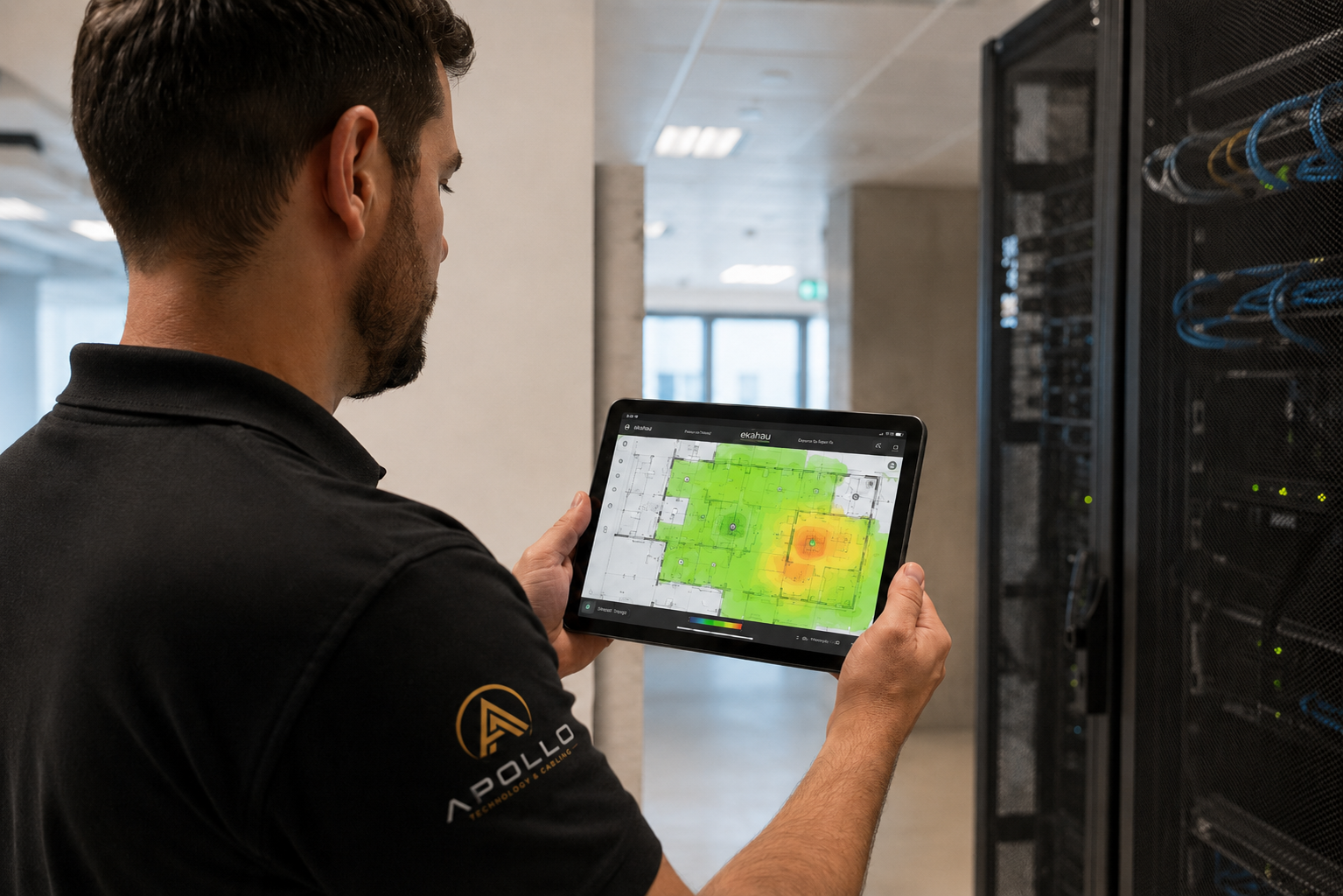
Map work before placing access points
Identify scanner models, vehicle-mounted terminals, printers and application requirements. Mark the routes people actually use, including the turns at aisle ends and transitions into shipping offices. Separate a weak wireless signal from other problems such as application response time, internet service or device configuration. Ask workers where sessions fail and reproduce the issue with the same hardware. A useful survey combines the building layout with device behavior and an agreed definition of acceptable performance.
Survey the warehouse you operate
HPE Aruba’s warehouse design guide identifies high ceilings, metal shelving and changing inventory as important design conditions. Document rack height, stored materials, ceiling structure and access-point mounting constraints. Measure or model the intended operating layout and validate it on site. An empty warehouse is a different radio environment from a stocked one. Where stocking cannot be replicated before opening, document the assumptions and include a validation visit after the operation reaches a representative condition.
Plan roaming and capacity together
A scanner moving through several aisles needs more than a strong signal at one standing position. Review roaming behavior, supported bands, channel use and authentication with the IT team and device supplier. The latest Wi-Fi generation does not guarantee a benefit for older handhelds. Confirm what the installed devices support and what the application needs. Adding radios without a plan can increase contention instead of solving the complaint. Choose placement and settings from evidence, then validate the result with the actual devices.
Build the wired foundation
Review Apollo’s business Wi-Fi and network installation services alongside the cabling and fiber backbone needed to support the access points.
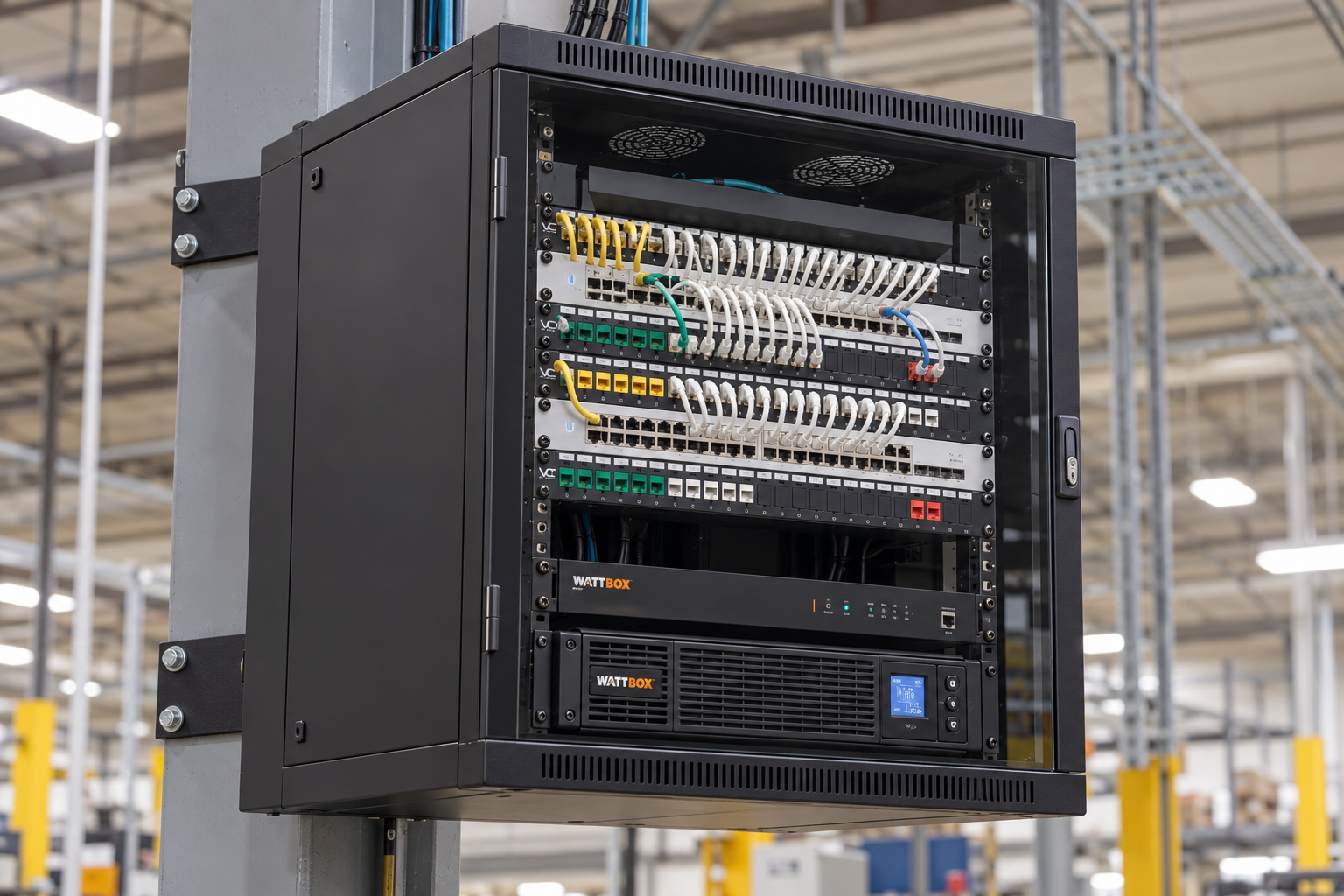
Access points still depend on cabling, switches, power and an upstream connection. Review cable routes, endpoint testing, switch-port availability and the total PoE budget. Decide whether a distribution cabinet or fiber backbone makes the layout more practical. Protect equipment from impact and provide maintainable access without placing it in lift or forklift travel paths. Coordinate installation with operating aisles and approved access equipment rather than improvising around active traffic.
Test a normal shift, not just a speed test
Walk receiving-to-storage and picking-to-packing routes while running the inventory workflow. Include busy periods and representative stock conditions where practical. Record disconnects, application interruptions and test conditions; speed alone is not the acceptance criterion. Provide the final access-point map, cable records and settings ownership at handoff. Repeat the review when racking, product mix or work patterns change substantially. A documented baseline makes a later expansion easier to evaluate.
Compare the operating result, not just the device list
An equipment list
Quantities and model numbers do not establish pathways, retained-equipment assumptions, interruption windows, account ownership or a tested handoff. Resolve those omissions before comparing totals.
An agreed installation scope
Request locations, infrastructure, responsibilities, compatibility checks, acceptance criteria, documentation and recurring charges. Evaluate proposals against the same operating requirements.
Your project checklist
- Inventory scanners, applications and device capabilities.
- Mark stocked racks and normal travel routes.
- Agree on survey assumptions and operating conditions.
- Confirm wired uplinks, PoE and administration.
- Walk the application workflow before signoff.
Frequently asked questions
Will Wi-Fi 7 fix scanner disconnects?
Only if the overall design and device capabilities support the intended benefit. Diagnose the workflow before choosing hardware.
Can one access point cover every aisle?
Coverage depends on the building, racking, inventory, antennas and devices. Determine placement through design and validation.
Why test with stock in place?
Inventory can alter radio propagation. Representative operating conditions make the acceptance results more useful.
Does a fast speed test prove the system works?
No. Scanner sessions, roaming and application behavior need their own checks.
Can office and warehouse wireless share infrastructure?
They can be planned together while the IT owner defines the appropriate networks, permissions and capacity.
Which communities are included?
This guide covers Itasca, Addison, Schaumburg, Roselle, Bloomingdale, Medinah and Glendale Heights as part of Apollo’s Chicagoland service planning.
Plan your industrial infrastructure with Apollo
Apollo Technology & Cabling plans and installs structured cabling, fiber, business Wi-Fi, surveillance, access control, intercoms, commercial AV and paging for Chicagoland businesses. Share your floor plan, operational concerns and timeline so the scope can be built around your facility.
For facilities in Itasca, Addison, Schaumburg, Roselle, Bloomingdale, Medinah, Glendale Heights, Illinois, request a project assessment or call 331-256-8330. Scheduling and the site-specific scope will be confirmed with your team.
Explore business Wi-Fi and network hardware, warehouse and logistics infrastructure, and manufacturing facility systems.
Technical reference: HPE Aruba Networking: warehouse wireless design guide.