
Apollo Knowledge Magazine · Western Suburbs Series · 5 of 6

Commercial planning guideLisle, Illinois

Modernizing a Lisle Office Without Starting Over: Cabling, Entry and Meeting-Room Upgrades

An existing office often has years of technology decisions hidden above the ceiling and behind the rack. Some of that infrastructure may still serve the business well. Some may create daily support problems. For a Lisle office retrofit, the first step is to understand what is there and what the next version of the workplace requires.

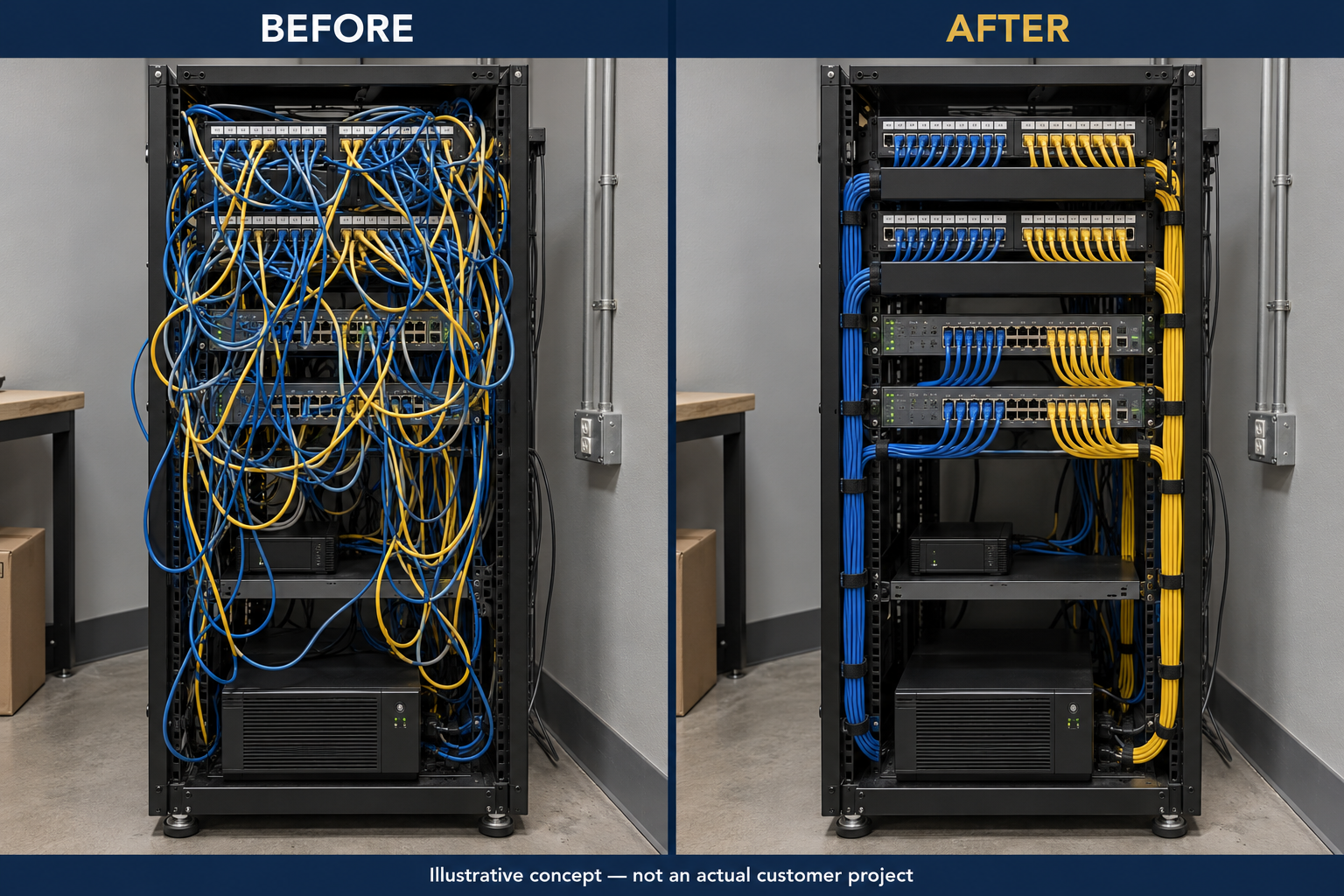
Network room rehabilitation comparison
Illustrative system view; project requirements vary by building.

Quick summary

Keep useful infrastructure and fix the weak points

Apollo Technology & Cabling helps businesses in Lisle, IL plan and install commercial low-voltage infrastructure: structured cabling and fiber, business Wi-Fi, surveillance, access control, intercoms, audio/video and paging. Start with the building, define the operating requirements and agree on how the finished systems will be tested.

Consider a Lisle office refreshing meeting rooms while retaining most workstations and staying open throughout the project. Staff want simpler calls and better entry management, while IT wants reliable documentation. This is a planning example, not a claimed customer result. The review should establish what can stay before defining what must change.

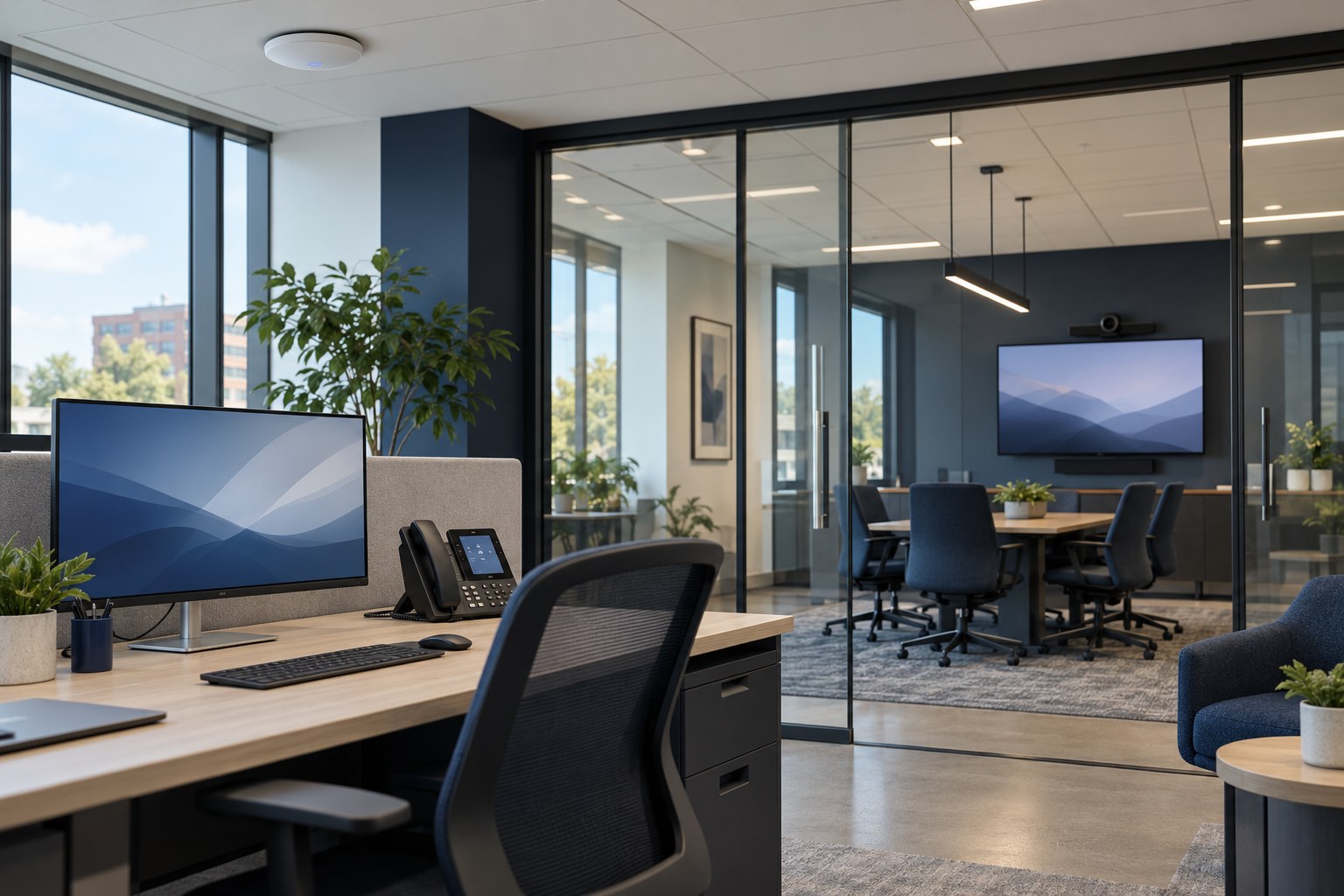
Office workspace with conference room AV
Illustrative system view; project requirements vary by building.

Inventory the inherited systems

Record equipment models, cable destinations, administrative ownership and recurring problems. Locate racks, pathways and shared landlord infrastructure. Separate verified information from assumptions: an unlabeled patch panel or an unknown administrator account is a discovery item, not a reason to guess. Apollo’s technology planning can help turn that inventory into a defined installation scope.

Decide what is worth retaining

Assess cabling and equipment against the requirements of the proposed work. Condition, compatibility, support arrangements and test results are more useful than age alone. Identify dependencies before removing anything that may support another area. A retained system should have a documented role and owner, rather than remain in place only because nobody knows what it does.

Upgrade meeting rooms around everyday use

Specify the calling platform, seating and presentation workflow for each room. Consider microphone pickup, camera framing, display visibility and controls together. Review acoustics separately from the equipment feature list. Ask staff to demonstrate the routine they want to perform; this provides a practical acceptance check and helps avoid a room that requires a technical expert for every meeting.

Review entry alongside office changes

Changes to reception or staffing may change who answers an intercom or grants access. Coordinate readers, locks, power, cabling and user administration with the appropriate parties. Apollo provides commercial access control and intercom services, including Akuvox solutions. Define the handoff clearly so a working reader is paired with a usable process for employees and visitors.

Leave the office easier to support

Phase work by area and agree on interruptions with staff. Update cable labels and equipment records as changes are made. Demonstrate the revised meeting and entry workflows before signoff, then deliver operating instructions and support ownership. The finished project should reduce uncertainty for the next service visit as well as improve the immediate user experience.

Compare a device quote with a complete project scope

Equipment-only comparison

Model numbers and quantities are useful, but they do not establish cable routes, integration responsibilities, installation access or what the business will receive at handoff. Resolve these omissions before comparing totals.
Defined installation and handoff

Ask for device locations, retained-equipment assumptions, pathways, responsibilities, testing, training, documentation and recurring charges. Compare the same agreed operating requirements across proposals.

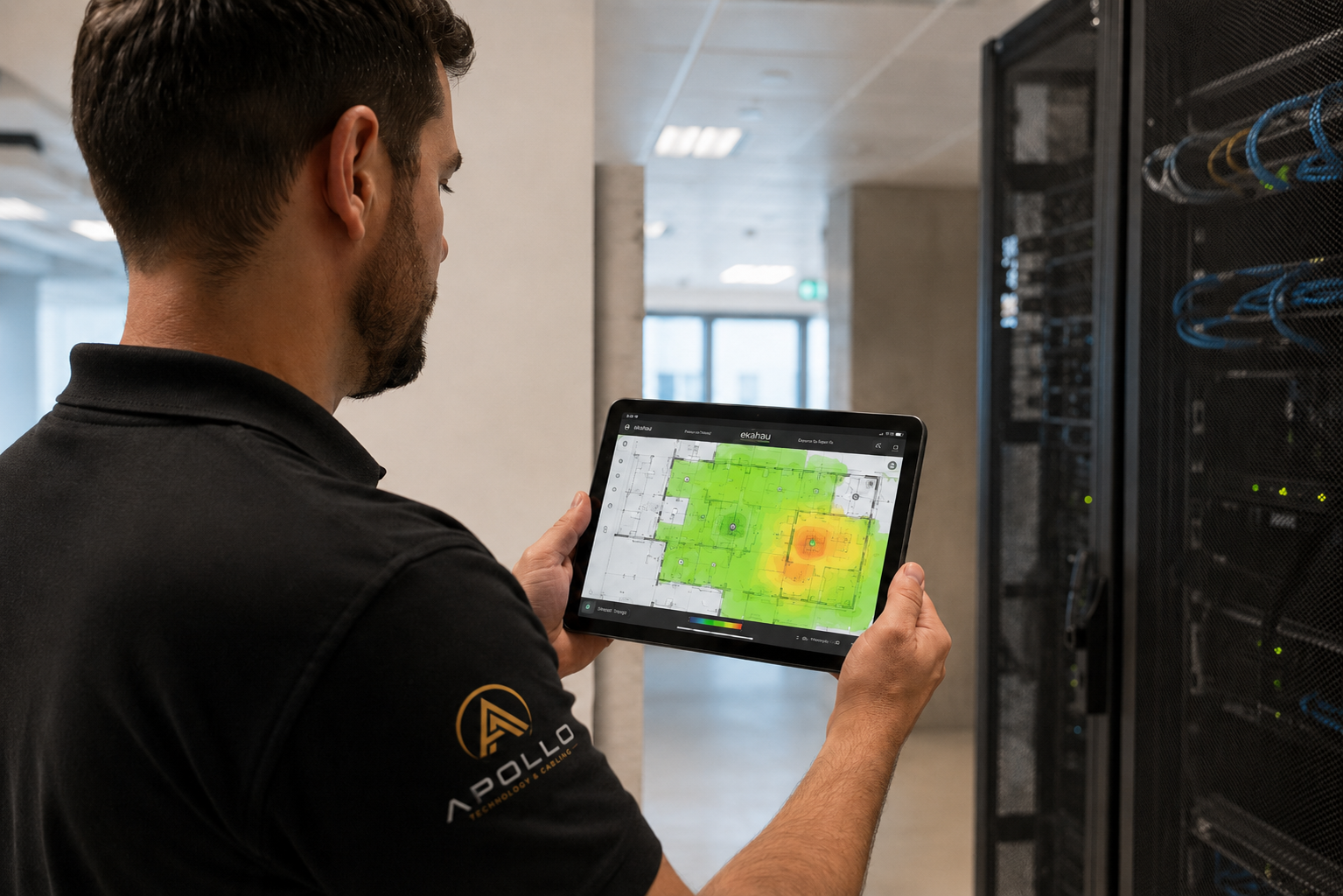
Commercial Wi-Fi survey used to assess coverage
Illustrative system view; project requirements vary by building.

Before requesting a proposal

  1. Identify known systems and unknown ownership.
  2. Record recurring staff complaints by room.
  3. Verify reuse decisions with assessment and testing.
  4. Plan phased work around occupied areas.
  5. Request updated labels, records and operating instructions.

Frequently asked questions

Does modernization mean replacing everything?

No. Retain equipment and cabling when assessment establishes that they suit the agreed requirements.

Can new AV use existing cabling?

Compatibility and cable condition must be checked against the proposed system and route.

What if we do not have the old system passwords?

Treat account ownership and recovery as a separate project dependency. Do not assume hardware replacement resolves administration.

Can access control be included in an office refresh?

Yes. Coordinate door hardware, power, cabling and user management in the scope.

How should proposals be compared?

Use the same room workflows, retained equipment assumptions, testing and documentation requirements.

Does Apollo serve Lisle offices?

Lisle is included in this western-suburbs service series. Contact Apollo for a free assessment and project-specific availability.

Plan your Lisle project with Apollo

Apollo Technology & Cabling serves Aurora, Naperville, Plainfield, Bolingbrook, Lisle and Oswego, Illinois, as part of its Chicagoland service area. Tell us what is changing in your building and what needs to work better.

Request a free assessment or call 331-256-8330. Assessment scope and project scheduling will be confirmed with your team.

Explore structured cabling and fiber, commercial AV, Akuvox access control and intercoms, and Apollo’s full service range.