
Apollo Knowledge Magazine · Western Suburbs Series · 2 of 6

Commercial planning guideNaperville, Illinois

Upgrading a Naperville Office? Start with Wi-Fi, Meeting Rooms and the Wiring Behind Them

An office can look finished while its technology still gets in the way. Calls break up, visitors ask which network to use and employees move chairs to find a place where the conference-room microphone works. For a Naperville office upgrade, success starts with defining those everyday experiences before selecting new devices.

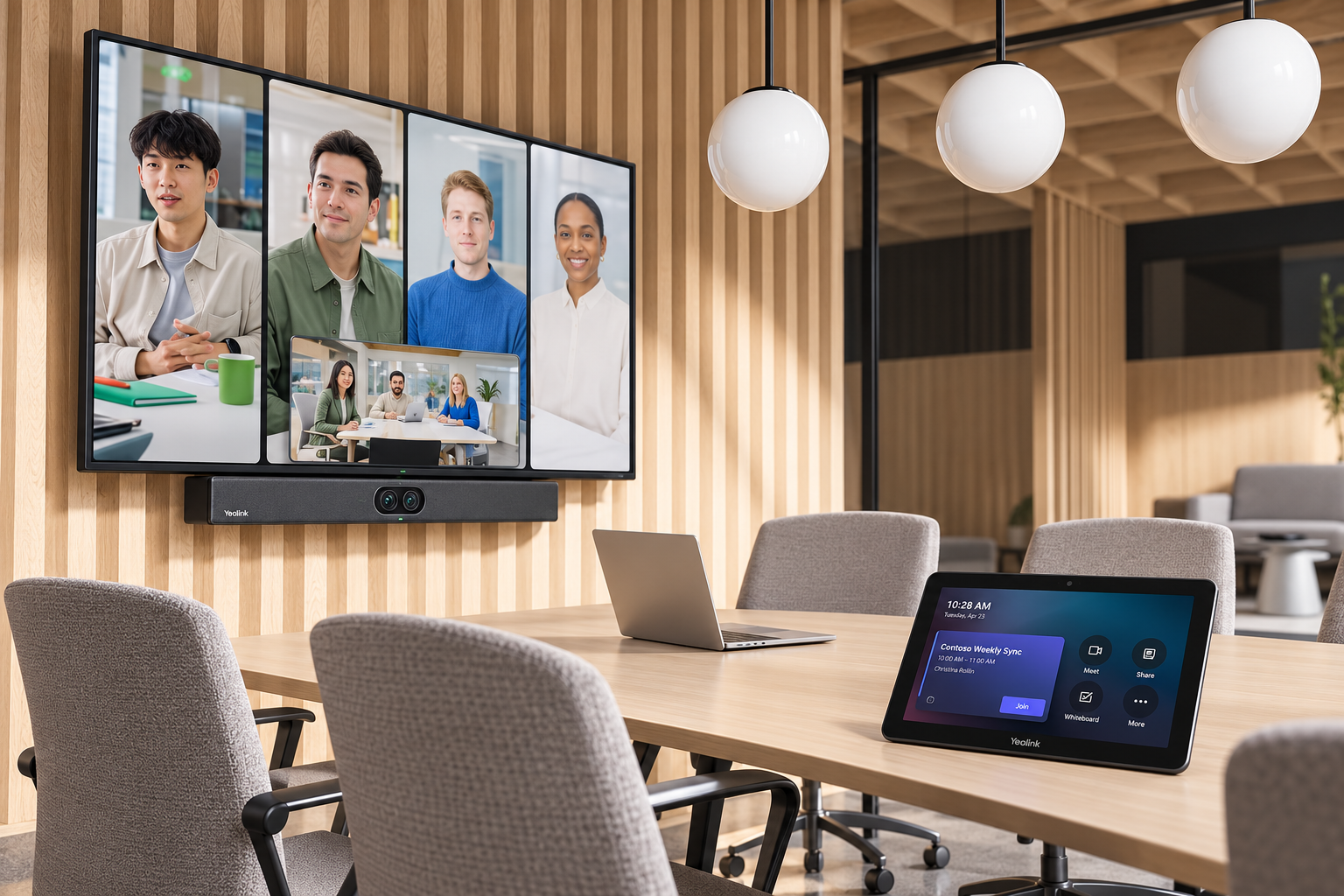
Commercial meeting room with a video conferencing display
Illustrative system view; project requirements vary by building.

Quick summary

An office that works for staff and remote participants

Apollo Technology & Cabling helps businesses in Naperville, IL plan and install commercial low-voltage infrastructure: structured cabling and fiber, business Wi-Fi, surveillance, access control, intercoms, audio/video and paging. Start with the building, define the operating requirements and agree on how the finished systems will be tested.

Imagine a Naperville professional office renewing its space while keeping staff on site. The furniture layout changes, two rooms become meeting spaces and employees rely more heavily on video calls. The right scope addresses the new use of the rooms and the wiring behind them. This example is a planning scenario, not a customer case study.

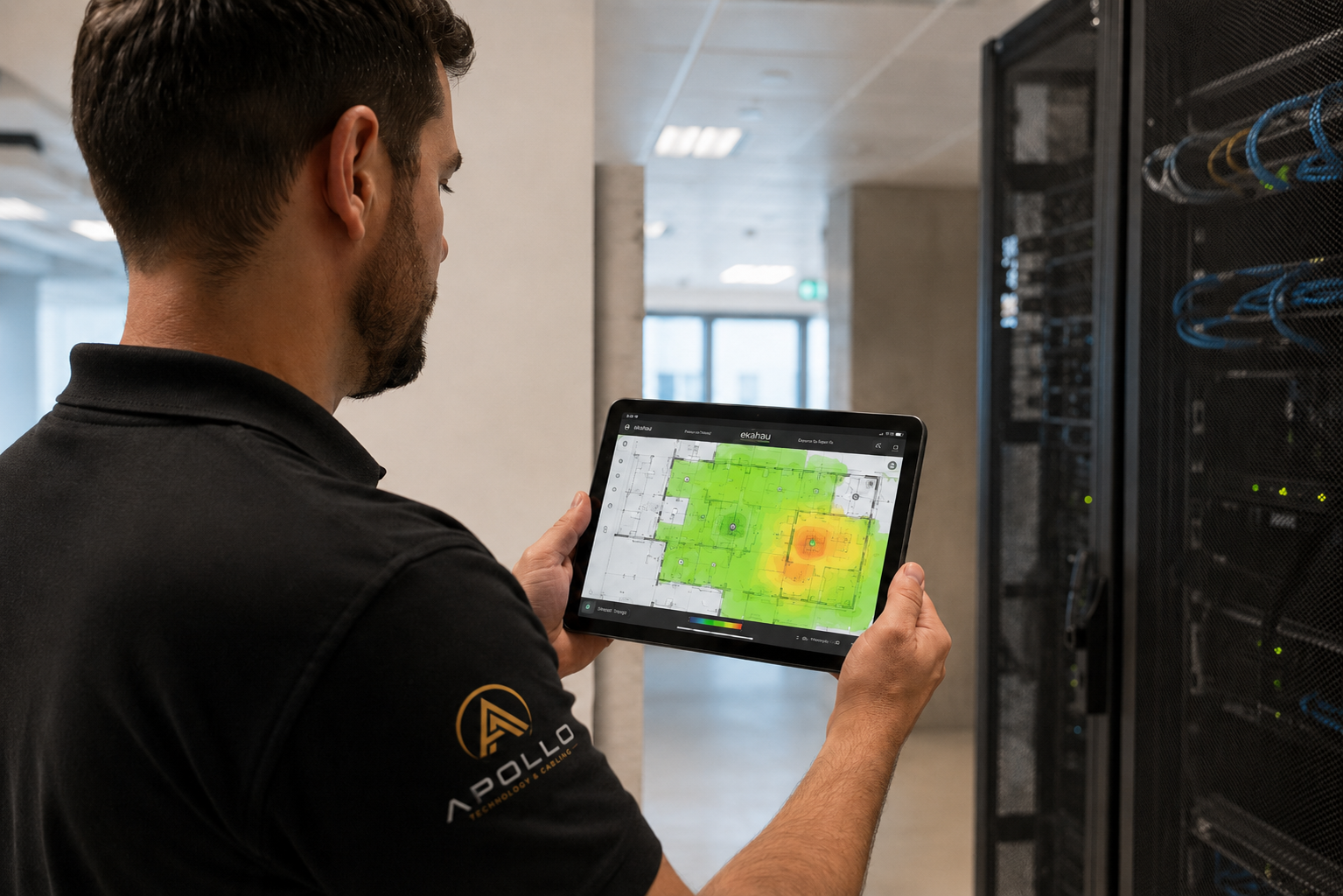
Commercial Wi-Fi survey and coverage planning
Illustrative system view; project requirements vary by building.

Map work patterns before access points

List the places where employees take calls, visitors connect and shared equipment operates. Record the devices and applications that matter, rather than treating every room as an identical coverage target. Wi-Fi placement should be assessed against the actual layout and building conditions. Replacing an access point in its old location may leave the underlying coverage problem unresolved.

Plan cabling around the revised floor plan

New desks, displays and room controllers may need connections in different locations. Check pathways before finishes are complete and confirm where cables terminate. Include labels and a port schedule so staff do not need to trace an unidentified cable later. Apollo can plan structured cabling and supporting network hardware as part of the office scope.

Judge meeting rooms from both ends of the call

A display that looks good from the front seat says little about the remote experience. Test a normal meeting with people at the far seats, a shared presentation and the intended calling platform. Listen for intelligibility and confirm that the camera view fits the seating layout. Room acoustics, microphone position and operating simplicity deserve attention alongside the equipment list.

Separate visitor convenience from administration

Decide who provides guest-network access and who can change room settings. Document administrative ownership and recovery procedures. If access control or an intercom is part of the project, align the visitor arrival workflow with reception responsibilities. A comfortable office experience includes what happens at the front door, not only what happens after a meeting begins.

Schedule an occupied-office handoff

Agree on installation areas, staff notices and planned interruptions. Before signoff, use the rooms the way staff will use them: make a call, share a screen, connect a guest device and restart the equipment. Provide short operating instructions and identify the support contact. The handoff should demonstrate the agreed workflow rather than end with a list of installed model numbers.

Compare a device quote with a complete project scope

Equipment-only comparison

Model numbers and quantities are useful, but they do not establish cable routes, integration responsibilities, installation access or what the business will receive at handoff. Resolve these omissions before comparing totals.
Defined installation and handoff

Ask for device locations, retained-equipment assumptions, pathways, responsibilities, testing, training, documentation and recurring charges. Compare the same agreed operating requirements across proposals.

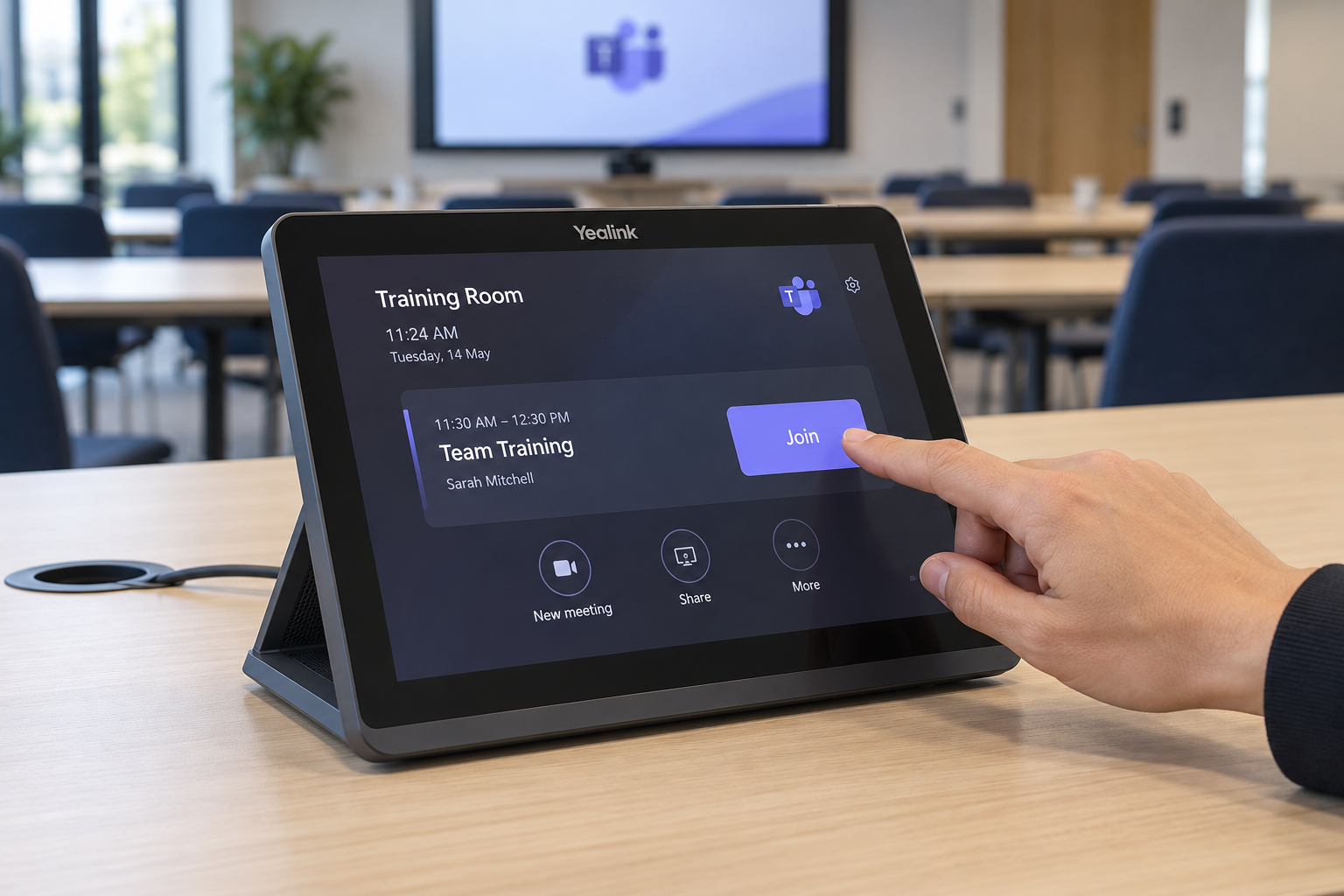
Meeting room touch controls for operating the AV system
Illustrative system view; project requirements vary by building.

Before requesting a proposal

  1. Share the revised seating and room plans.
  2. List calling platforms and guest-access requirements.
  3. Identify weak coverage and recurring meeting complaints.
  4. Confirm cable locations before finishes are closed.
  5. Run a real remote meeting during acceptance.

Frequently asked questions

Will a faster internet plan fix our Wi-Fi?

It may help an internet-capacity problem, but local coverage, cabling and configuration need separate diagnosis.

Can existing conference equipment stay?

Possibly. Review compatibility, condition and the desired workflow before replacing equipment that may still be useful.

Does every room need the same AV system?

No. Seating, room size, calling platforms and meeting style should guide the scope.

Can work be phased around staff?

Request a phased installation plan with access arrangements and defined interruption windows.

Does sound masking fix call audio?

Sound masking and meeting-room acoustics address different needs. Discuss speech privacy separately from remote-call intelligibility.

What can Apollo provide in Naperville?

Apollo can assess cabling, business Wi-Fi, conference-room AV and related entry and surveillance needs. Request a free assessment.

Plan your Naperville project with Apollo

Apollo Technology & Cabling serves Aurora, Naperville, Plainfield, Bolingbrook, Lisle and Oswego, Illinois, as part of its Chicagoland service area. Tell us what is changing in your building and what needs to work better.

Request a free assessment or call 331-256-8330. Assessment scope and project scheduling will be confirmed with your team.

Explore structured cabling and fiber, commercial AV, Akuvox access control and intercoms, and Apollo’s full service range.