Apollo Knowledge Magazine

Practical guide 9 min read Outdoor Camera Reliability

Is Your Security Camera System Ready for a Chicago Winter?

Check the complete recording path before cold weather makes a small installation problem harder to reach.

In this article, you’ll learn

  • Check exact ratings
  • Review the night view
  • Test the recording path
  • How to define the installation handoff

Trusted by 150+ Chicago-area businesses

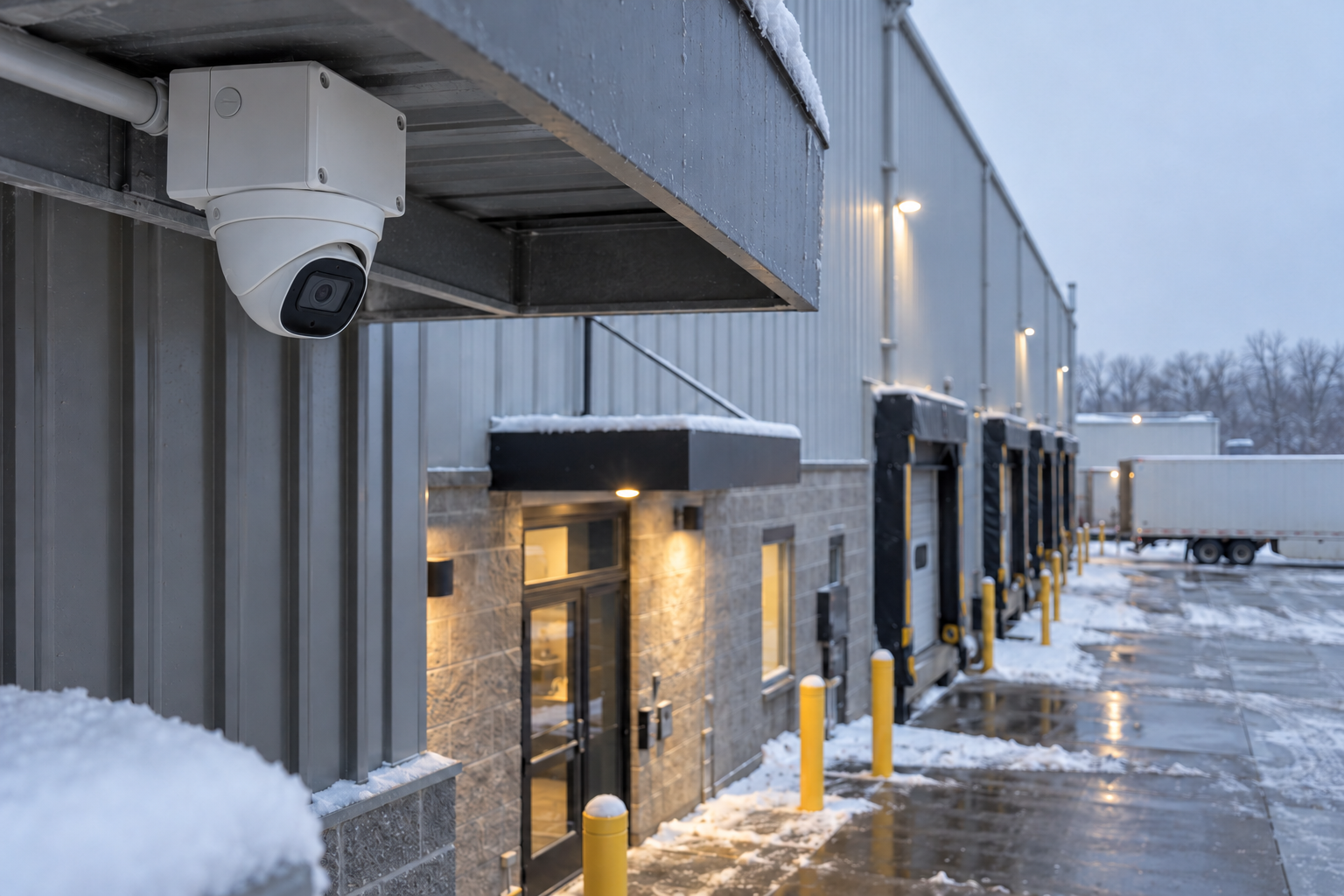
Outdoor security camera overlooking a snowy warehouse loading dock and entrance.
Prepare cameras, connections, and recorded views before winter weather arrives. AI-generated concept illustration.
outdoor cameras Chicago cold weather surveillance camera maintenance winter camera reliability Surveillance

Quick Summary

What business owners and facility teams should know

The first camera problem of winter may not be a failed camera. It may be a dirty cover reflecting infrared light, a connection box that admits moisture, or a nighttime view that no longer shows what the business needs. A live image on a sunny afternoon is only one part of a readiness check.

For a warehouse yard, restaurant entrance, managed property, or outdoor storage area, review the path from the camera to the recording and the person who retrieves it. Do the check while equipment is reasonably accessible. The goal is to identify specific repairs and adjustments, with safe access arranged, rather than wait for a difficult service call during bad weather.

01

Check exact ratings

Operating and startup temperature limits are model-specific. An outdoor label alone does not answer every installation question.

02

Review the night view

Shorter days make nighttime lighting, reflections, and the recorded image especially important to verify.

03

Test the recording path

Confirm the camera, switch, recorder, storage, time settings, and remote access work together.

Bottom line: Check the complete recording path before cold weather makes a small installation problem harder to reach.

Compare the approaches

Two ways to approach the decision

Use the same business requirements when comparing approaches. The appropriate choice depends on the building, existing equipment, operating responsibilities, and the outcome being tested.

Approach one

Reactive service

The business notices a problem after footage is needed. Work begins with diagnosis, access arrangements, and uncertainty about how long the issue has existed.

  • Can fit a clearly defined, limited requirement.
  • Confirm the assumptions and limits against your actual installation.
Approach two

Planned seasonal review

Staff and service providers test important views and recordings before a problem becomes urgent. This creates a documented baseline and a focused repair list without replacing equipment that already works.

  • Creates a defined basis for testing, documentation, and an accountable handoff.

Compare complete scopes: Ask each provider to state the assumptions, inclusions, exclusions, testing, and support responsibilities. Use demonstrated fit rather than a feature count alone.

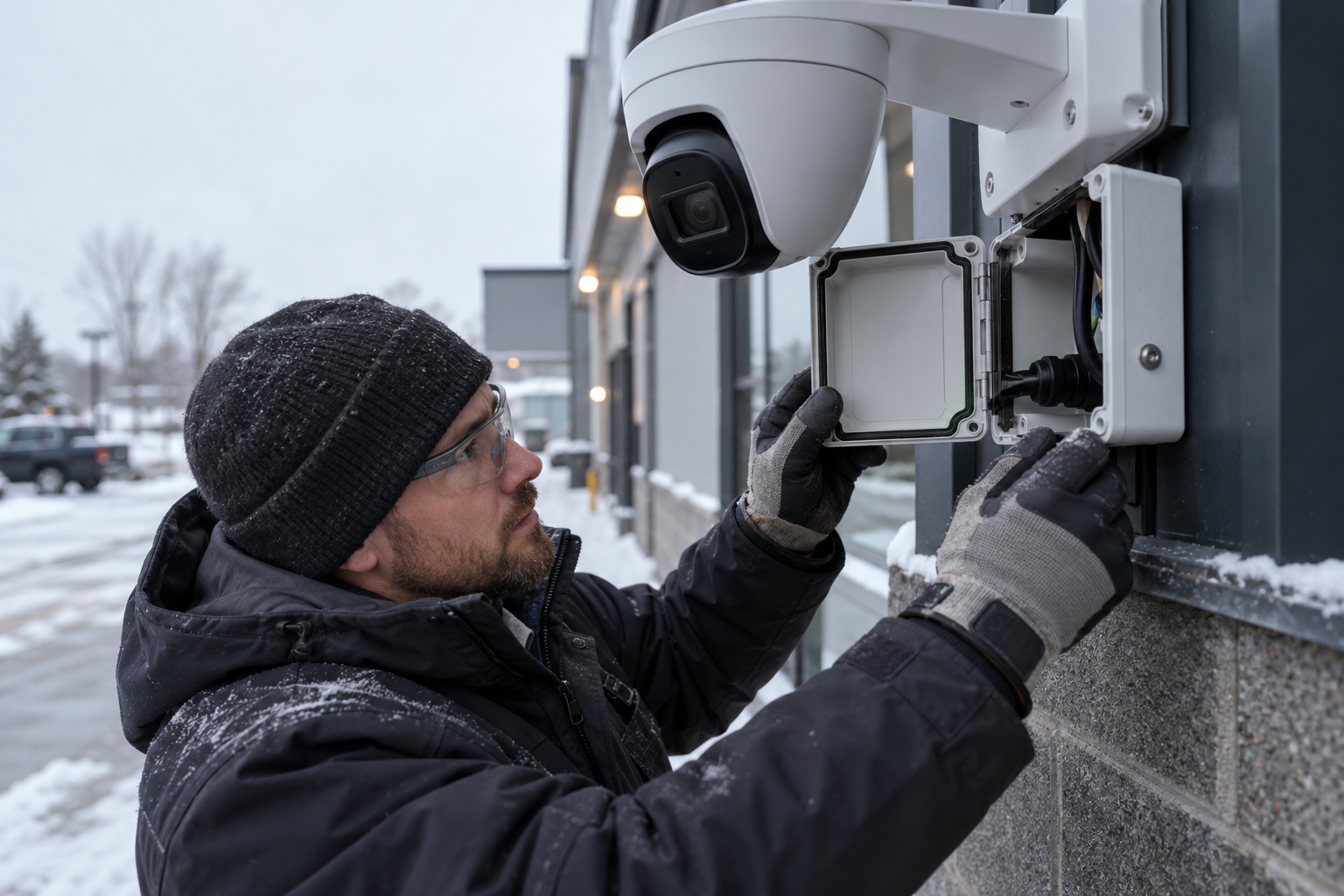
Technician inspecting an outdoor security camera junction box and weatherproof cable connections.

Inspect enclosure seals and cable entries before moisture and freezing weather expose installation problems. AI-generated concept illustration.

Putting the plan into practice

A six-step implementation checklist

Use this sequence to turn an initial conversation into a reviewable scope and a useful handoff. Adapt the steps to the systems and owners at your site.

  1. 01

    Map critical views

    Identify entrances, parking areas, yards, and docks where losing footage would create a significant operational problem.

  2. 02

    Collect model information

    Gather temperature limits, startup requirements, power specifications, and approved cleaning instructions.

  3. 03

    Inspect the installation

    Arrange safe access for optical surfaces, mounts, enclosures, seals, and cable-entry checks.

  4. 04

    Test the night image

    Review or stage representative activity under the lighting conditions that matter to the business.

  5. 05

    Retrieve and export footage

    Verify timestamps, retention, account access, and the ability to produce a playable incident clip.

  6. 06

    Close the repair list

    Assign issues, verify completed work, and keep baseline recordings and photos with the system documentation.

Handoff standard: The final record should identify the installed system, its verified capabilities, any unresolved exceptions, and who owns the next action.

Decision framework

Six checks that shape a useful plan

Each card addresses a different part of the decision. Use them together when reviewing the building and comparing an installation scope.

Outdoor Camera Reliability

Start with the outcome the business needs

Check the complete recording path before cold weather makes a small installation problem harder to reach.

Six connected planning checks

Inventory the equipment exposed to weather

Record camera and housing models, mounts, junction boxes, outdoor switches, injectors, and power equipment. Find the actual manufacturer instructions for each. Climate testing addresses temperature and humidity, but installation details still matter.[1] Keep this inventory with the camera map so a service visit starts with the correct equipment information rather than a guess based on appearance.

Inspect covers, seals, and cable entries

Arrange a qualified inspection of weather seals, gaskets, cable glands, drainage provisions, and enclosure mounting. Clean optical surfaces only by the manufacturer-approved method. Record visible damage and recurring moisture. Do not add improvised sealants or heating devices without checking the equipment instructions; a field modification can create another service problem.

Review useful nighttime footage

Use actual recordings from the important hours. Check the doorway, vehicle approach, pedestrian route, or dock that needs to be visible. Look for glare from lights, nearby surfaces, or contamination on the cover. Confirm that exposure and lighting still support the task. A brighter image is not automatically a more useful image if movement or faces are obscured.

Check power under expected demand

Review the camera power requirement with any heaters, infrared illumination, accessories, or other supported functions enabled. Match the camera to the PoE source and available switch budget. Ask IT to review port events or power warnings. Use manufacturer values for the installed equipment; do not assume the wattage observed in mild daytime conditions represents every operating condition.

Confirm the entire recording workflow

Retrieve a recent clip from each critical outdoor view and confirm time, date, playback, and export. Check available storage and the actual oldest retrievable footage. Verify that the people responsible can sign in using their own accounts. A seasonal inspection should catch recording and access problems as well as dirty camera covers.

Plan safe access and follow-up

Identify which cameras need a lift, a closed-off work area, landlord coordination, or a qualified trade. Assign a person to review the system after seasonal changes such as holiday lighting, stacked materials, or revised parking arrangements. The practical deliverable is a short list of verified defects, owners, and completion dates, with a baseline image for comparison.

How to use this framework: Bring the relevant details to the site assessment. The examples and checklists are planning guidance, not a site-specific design or a quotation.

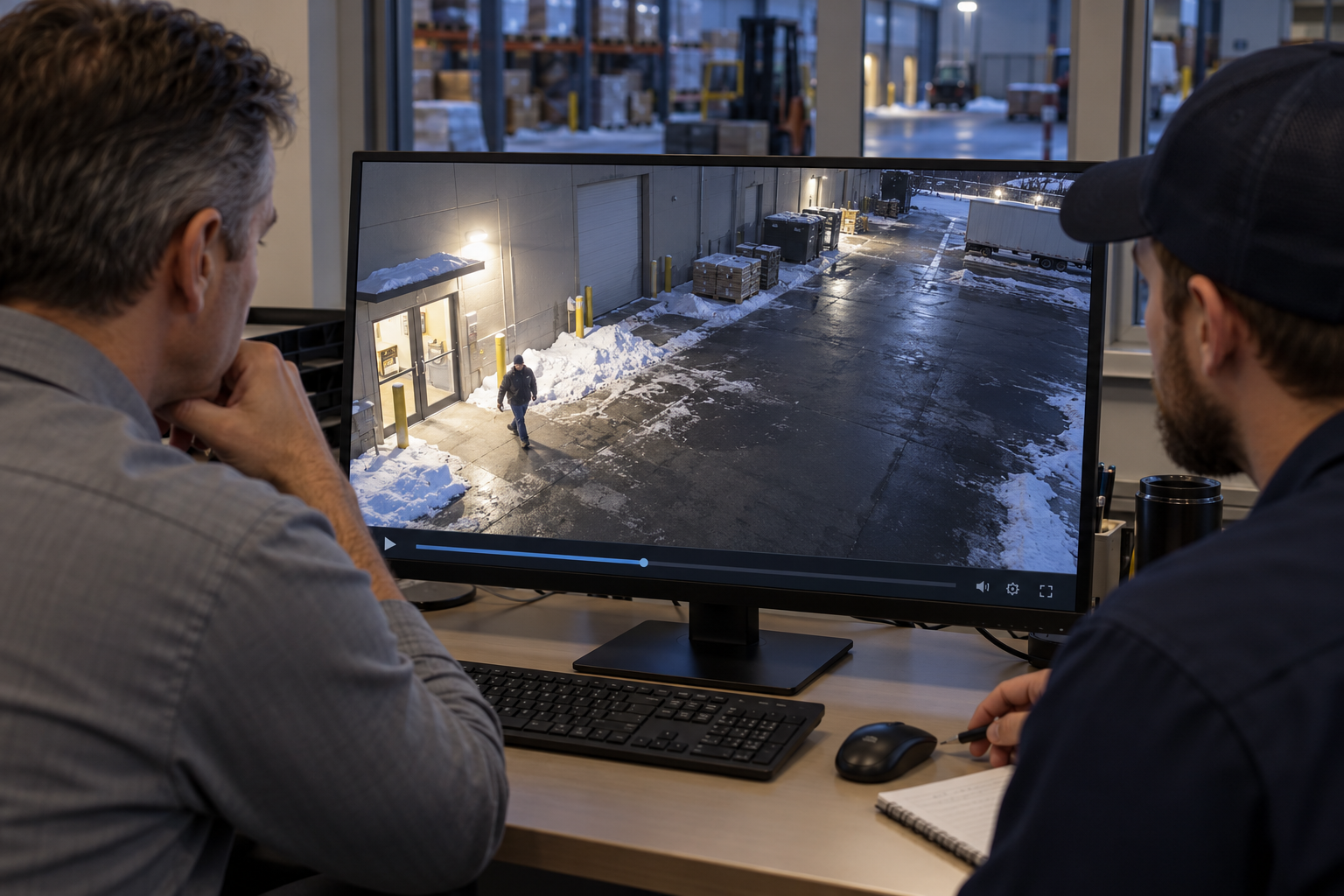
Facility manager and technician reviewing recorded camera footage of a snowy loading area.

Review recorded nighttime footage to check lighting, reflections, and useful coverage. AI-generated concept illustration.

Frequently Asked Questions

Questions to ask before approving the work

These answers address common purchasing, scope, and handoff questions. Exact product capabilities should be checked against the selected equipment and software.

Are all outdoor cameras suitable for Chicago winter?

No single outdoor designation answers that. Check the exact model, startup limits, enclosure, power source, and installation requirements for the exposure involved.

Should we add a heater to an existing camera?

Use only a housing or accessory arrangement approved for that equipment. Have the installer verify thermal, power, and enclosure requirements before making changes.

Why does a camera look worse at night?

Possible contributors include scene lighting, reflections, contamination, settings, or the selected view. Review real recorded footage before deciding that replacement is necessary.

Does snow automatically stop AI detection?

Performance depends on the scene and product. Test the events you care about and retain a human review process instead of assuming identical behavior in every condition.

Can employees clean pole-mounted cameras?

Plan qualified access using the appropriate equipment and site controls. Cleaning method, electrical exposure, fall risks, and work-area coordination all need consideration.

What should a winter check produce?

A camera inventory, baseline day and night recordings, confirmed retrieval access, and a short repair list with responsibilities and completion dates.

Useful next step: Collect the existing equipment information and the specific problem you want the work to solve.

Plan the next step

Talk through your building and the outcome you need

Apollo Technology & Cabling helps Chicago-area businesses plan and install commercial building technology. Discuss outdoor camera reliability in the context of your existing infrastructure, operations, and support team. Free assessments.

Serving Chicago, the surrounding suburbs, and Northern Illinois commercial facilities.

Written by

Apollo Technology & Cabling

Commercial building technology infrastructure specialists

Practical guidance backed by commercial field experience

Apollo Technology & Cabling designs, installs, supports, and advises on commercial structured cabling, business Wi-Fi, surveillance, access control, audio/video systems, and related building technology infrastructure throughout the Chicago area.

  • Surveillance
  • Commercial Infrastructure Planning
  • Installation & System Handoffs
  • Technology Advisement

Editorial standard: Apollo Knowledge Magazine articles are developed to provide clear, practical, technically grounded guidance for commercial decision-makers. Article-specific claims, recommendations, links, and technical details should be reviewed before publication.

Technical sources and further reading

Sources checked October 17, 2026. Manufacturer examples illustrate capabilities; availability depends on the selected model, software, licenses, and configuration. The site-assessment steps are Apollo editorial planning guidance.

  1. Axis: Tested without compromise—climate testing
  2. Axis: Object Analytics—operating conditions and limitations

Explore Apollo’s surveillance services.