
Apollo Knowledge Magazine
Port count, power delivery, and usable network capacity are different checks when adding devices.
In this article, you’ll learn
- Check each port
- Check the shared budget
- Check the complete cabinet
- How to define the installation handoff
Trusted by 150+ Chicago-area businesses
Quick Summary
What business owners and facility teams should know
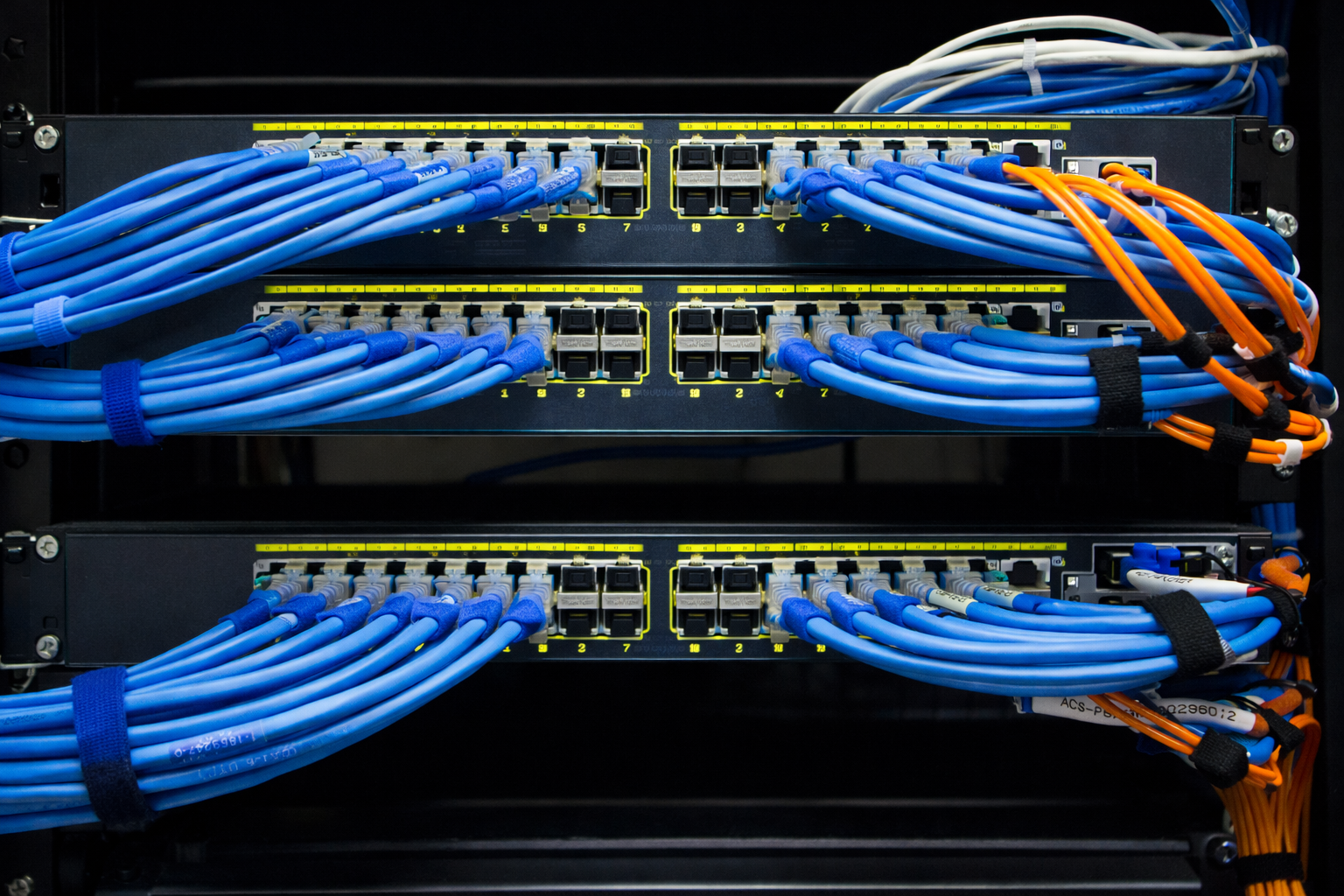
A business wants six more cameras. Someone opens the network cabinet, sees six unused switch ports, and assumes the infrastructure is ready. That might be true—but unused connectors do not establish that the switch can supply the required power to every new device.
Power over Ethernet carries electrical power and network data over the cabling used by supported devices.[1] A useful expansion review considers each endpoint, each port, the shared switch power allowance, and the upstream UPS. That review should happen before equipment is ordered, particularly when the same cabinet supports cameras, Wi-Fi, phones, and building devices.
Check each port
A device must be compatible with the power type and capability available on its specific switch port.
Check the shared budget
All connected powered devices draw from a model-specific overall allowance; empty ports do not prove spare power.
Check the complete cabinet
Power supplies, cooling, UPS runtime, cable condition, uplinks, and configuration all belong in the expansion plan.
Bottom line: Port count, power delivery, and usable network capacity are different checks when adding devices.
Compare the approaches
Two ways to approach the decision
Use the same business requirements when comparing approaches. The appropriate choice depends on the building, existing equipment, operating responsibilities, and the outcome being tested.
Port-count-only planning
The decision focuses on the number of free sockets. This is quick, but it leaves endpoint power needs, shared allocation, operating modes, and backup runtime unverified.
- Can fit a clearly defined, limited requirement.
- Confirm the assumptions and limits against your actual installation.
Documented capacity planning
A device schedule is checked against port capability, switch budget, supply configuration, and UPS load. It takes more preparation and provides a clear basis for approving an expansion.
- Creates a defined basis for testing, documentation, and an accountable handoff.
Compare complete scopes: Ask each provider to state the assumptions, inclusions, exclusions, testing, and support responsibilities. Use demonstrated fit rather than a feature count alone.
Putting the plan into practice
A six-step implementation checklist
Use this sequence to turn an initial conversation into a reviewable scope and a useful handoff. Adapt the steps to the systems and owners at your site.
-
01
Inventory the endpoints
List current and proposed powered devices by exact model, location, and switch port.
-
02
Confirm power requirements
Use manufacturer specifications for the intended operating mode and any supported accessories.
-
03
Check port compatibility
Match each device to an appropriate switch port and verify the negotiation requirements with IT.
-
04
Calculate the shared allocation
Compare planned demand and agreed growth allowance with the available budget of the actual switch configuration.
-
05
Review upstream support
Check UPS load, expected backup runtime, cabinet conditions, and uplink capacity.
-
06
Test and document
Validate operation, record the final port schedule, and assign ownership for monitoring and future changes.
Handoff standard: The final record should identify the installed system, its verified capabilities, any unresolved exceptions, and who owns the next action.
Decision framework
Six checks that shape a useful plan
Each card addresses a different part of the decision. Use them together when reviewing the building and comparing an installation scope.
PoE Power Planning
Start with the outcome the business needs
Port count, power delivery, and usable network capacity are different checks when adding devices.
Separate compatibility from capacity
First identify whether the device and switch use compatible standards-based PoE. Then check the required port capability and the total budget for the installed power supplies. Cisco documents how negotiation and available power affect powered-device operation.[2] The installer and IT provider should resolve this before a new endpoint is treated as a straightforward plug-in addition.
List the actual powered devices
Create a schedule showing device model, location, port, required power mode, and relevant accessories. Include existing devices as well as additions. Mark anything whose specification has not been confirmed. This turns a conversation about a nominal switch size into a reviewable installation plan and gives future technicians a useful record of what each port supports.
Use a transparent planning example
Suppose a proposed group contains eight devices with a design allocation of 15 watts each and four with 25 watts each. That is 220 watts before any additional design allowance or other loads. These are illustrative values, not specifications for actual products. Compare the required allocations with the real switch budget and agreed expansion allowance, then check every device against its port.
Investigate low-power behavior
A device may have different feature availability depending on its power mode. Check the exact manual if an access point, camera, or accessory is not performing as expected. IT should review negotiated power and relevant port logs alongside cabling tests. Avoid jumping immediately to a camera or wireless replacement when the supply or configuration has not been verified.
Follow the power upstream
The switch consumes energy to run itself as well as to supply connected devices. Include the full intended operating load when reviewing the UPS. Ask what happens when one power supply is unavailable if the design relies on redundancy. A cabinet can have adequate normal capacity while failing to meet the desired backup or expansion objective.
Keep installation and administration coordinated
Apollo can plan device locations, cabling, racks, and physical installation. The IT provider should own approved switch configuration, firmware policy, VLANs, network permissions, and ongoing administration unless the scope explicitly assigns them elsewhere. Document who will verify port settings and who receives an alert when a power or connectivity problem occurs.
How to use this framework: Bring the relevant details to the site assessment. The examples and checklists are planning guidance, not a site-specific design or a quotation.
Frequently Asked Questions
Questions to ask before approving the work
These answers address common purchasing, scope, and handoff questions. Exact product capabilities should be checked against the selected equipment and software.
Does a 24-port PoE switch power 24 maximum-load devices?
That depends on its port capabilities, overall power budget, and supply configuration. Verify the exact model rather than assuming capacity from port count.
Can an injector solve a capacity problem?
A compatible injector may address one endpoint, but it adds power and maintenance considerations. Check the whole installation instead of scattering unplanned supplies around the building.
Is a low measured wattage enough evidence?
It helps describe current conditions. Confirm the device requirements and intended feature set before using a momentary reading as the design allowance.
Does adding cameras affect UPS runtime?
If their PoE demand is supplied by a protected switch, the added load belongs in the UPS review. Use the UPS model’s load and runtime information.
Will better cabling increase the switch budget?
It will not change the switch’s published capacity. Appropriate cabling remains essential to the supported power and data link, so both must be checked.
Who should configure the switch?
The designated IT administrator should approve network and port settings. Apollo’s physical work and IT’s administration should meet at a documented commissioning handoff.
Useful next step: Collect the existing equipment information and the specific problem you want the work to solve.
Plan the next step
Talk through your building and the outcome you need
Apollo Technology & Cabling helps Chicago-area businesses plan and install commercial building technology. Discuss poe power planning in the context of your existing infrastructure, operations, and support team. Free assessments.
Serving Chicago, the surrounding suburbs, and Northern Illinois commercial facilities.